




Product Information
What is Cmd-j-chatgpt-for-chrome?
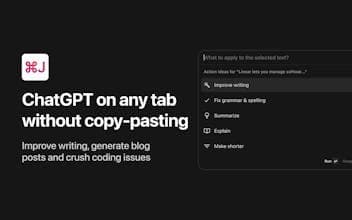
Use ChatGPT in any situation with an easy-to-use Chrome extension, enhancing productivity on any tab. Improve your writing, generate blog posts, and tackle coding challenges with ChatGPT keyboard shortcuts.
How to use Cmd-j-chatgpt-for-chrome?
Cmd J is an easy-to-use Chrome extension that allows users to access ChatGPT in any browser tab via keyboard shortcuts, eliminating the need for copy-paste, thereby significantly improving efficiency in writing, programming, and information retrieval.
Core Functions of Cmd-j-chatgpt-for-chrome
Use ChatGPT in any browser tab
Quickly trigger AI assistant via keyboard shortcuts (Cmd+J/Alt+J)
Provide grammar, tone suggestions, and content polishing
Explain code, suggest cleaner syntax, and assist with debugging
Generate article drafts, emails, titles, or code templates
Directly answer queries without browsing multiple search results
Usage Scenarios of Cmd-j-chatgpt-for-chrome
- Writers and content creators: Get writing inspiration, polish text, generate drafts
- Developers and engineers: Explain code, debug errors, generate code snippets
- Researchers and knowledge workers: Quickly get answers to questions, improve information retrieval efficiency
Common Questions about Cmd-j-chatgpt-for-chrome
What does Cmd J do?
How do I use Cmd J?
What are the core features of Cmd J?
What are the application scenarios of Cmd J?
















