




Product Information
What is expensee?
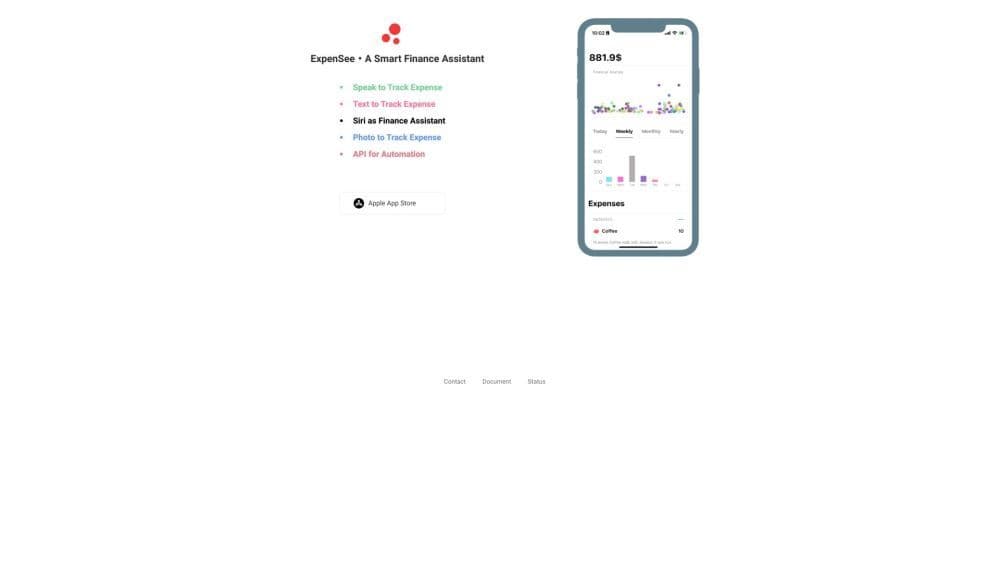
ExpenSee is a personal finance assistant and expense tracking app that enables users to effortlessly record their expenses using voice recognition and securely stores the data in iCloud.
How to use expensee?
To use ExpenSee, simply download the app from the App Store. Once installed, open the app and record expenses via voice commands or by taking photos of receipts. The app automatically categorizes expenses and stores them in your iCloud account for easy access and tracking.
Core Functions of expensee
ExpenSee offers the following core features:
1. Voice recognition: Record expenses using natural language and voice commands.
2. Siri integration: Seamlessly integrate with Siri for hands-free expense tracking.
3. Receipt photos: Take photos of receipts for visual expense records.
4. iCloud storage: Securely store all expense data in iCloud for easy access across multiple devices.
5. HTTP API support: Use ExpenSee's HTTP API to programmatically retrieve and manage expense data.
Usage Scenarios of expensee
- ExpenSee can be used in various scenarios, including: 1. Personal Expense Tracking: Easily track your daily expenses and understand your spending habits. 2. Business Expense Management: Log your business expenses and generate reimbursement reports. 3. Budget Planning: Set budget goals and monitor your progress to achieve financial objectives. 4. Tax Preparation: Organize your expenses for tax filing and maximize your deductions.
Common Questions about expensee
Can I access my expense data on multiple devices?
Does ExpenSee support voice commands for expense categorization?
Can I integrate ExpenSee with Siri?
What are the benefits of using ExpenSee's receipt photos?
Is there an API available for retrieving and managing expense data?
















