




Product Information
What is Favorites – new tab page?
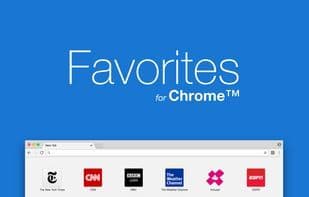
Favorites - A new tab page with your favorite bookmarks
• Add and rearrange bookmarks via drag and drop
• Customize the layout to fit your needs
• Change the look with themes
• Sync settings across devices
How to use Favorites – new tab page?
Favorites is a new tab extension designed to help users manage and organize their favorite bookmarks. It offers a customizable interface that allows users to easily access and personalize their frequently visited websites.
Core Functions of Favorites – new tab page
Support Themes, Customizable
Usage Scenarios of Favorites – new tab page
- Quickly access frequently used bookmarks on a new tab.
- Add and rearrange bookmarks via drag-and-drop.
- Customize the layout of the new tab page according to personal preferences.
- Change the appearance of the new tab page by switching themes.
- Sync bookmarks and settings across different devices.
Common Questions about Favorites – new tab page
What does Favorites do?
How do I use Favorites?
What are the core features of Favorites?
What are the use cases for Favorites?
















