



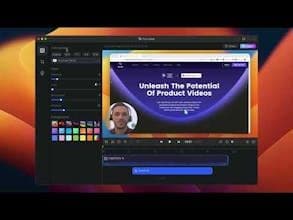

Product Information
What is Focusee?
FocuSee is praised for its automatic editing feature, which simplifies the creation of professional-looking screen recordings. Users appreciate its intuitive interface and customizable zoom effects, making it ideal for creators and educators. The tool is known for its affordability and ease of use, with many finding it a superior alternative to other screen recording software. However, some users have reported issues with video exporting and a lack of certain features. The developers from Capup highlight its effectiveness for creating product demos and tutorials on both Windows and Mac OS.
How to use Focusee?
FocuSee is a screen recording tool that automates editing with features like auto-zoom, cursor tracking, and background addition, enabling quick creation of professional product demos and tutorial videos without manual edits.
Core Functions of Focusee
Automated video editing
Auto zoom and cursor tracking
Add background effects
Record screen, camera, and voice-over
Support for interactive elements in videos (Q&A, forms, CTAs)
Usage Scenarios of Focusee
- Create product demo videos
- Create instructional tutorial videos
- Produce marketing and promotional videos
- Make presentation videos
Common Questions about Focusee
What does FocuSee do?
How do I use FocuSee?
What are the core features of FocuSee?
What are the application scenarios of FocuSee?
















