
Product Information
What is Kingpin private browser?
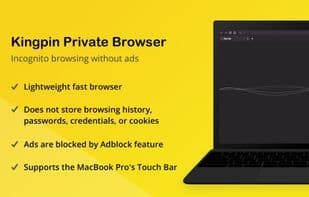
The Kingpin browser is a fully-featured web browser with an incognito mode and adblock always enabled. It does not retain browsing history, passwords, or cookies. The browser defaults to Google Search (which can be changed to DuckDuckGo in settings). It serves as an additional browser for viewing sensitive content or for more secure online shopping and banking.
**Why you should try Kingpin Browser:**
**Privacy**
- Stores no browsing history, passwords, credentials, or cookies.
- Stay private while browsing sensitive content: dating sites, adult material, health concerns, or gift shopping.
- No URL autocomplete, so no worries about prying eyes over your shoulder.
- Use Kingpin on computers not your own to safeguard your privacy.
**Security**
- Hide all tabs instantly with a single click on the main button. Reopen them with one click or a 4-digit PIN.
- All financial transactions are conducted more securely in incognito mode—enabled by default—so you don’t have to think about it.
**Ad Blocking**
- Ad-free reading makes browsing more enjoyable. Ads are blocked on your favorite news sites.
- No tracking—you won’t be followed by ads/suggestions (e.g., Amazon or YouTube recommendations).
How to use Kingpin private browser?
Kingpin Private Browser is a full-featured browser with always-on incognito mode and ad-blocking, designed to protect user privacy and security by not storing browsing history, passwords, or cookies.
Core Functions of Kingpin private browser
Designed for 64-bit, supports HTTPS
Designed for 64-bit, supports HTTPS
Usage Scenarios of Kingpin private browser
- Browsing sensitive content such as dating sites, adult content, health issues, or gift shopping.
- Conducting safer online shopping and banking transactions.
- Using on non-personal computers to protect personal privacy.
- Reading on news websites without ad interference.
- Avoiding tracking by ads or recommendations.
Common Questions about Kingpin private browser
What does Kingpin Private Browser do?
How do I use Kingpin Private Browser?
What are the core features of Kingpin Private Browser?
What are the use cases for Kingpin Private Browser?