
Product Information
What is Pieces?
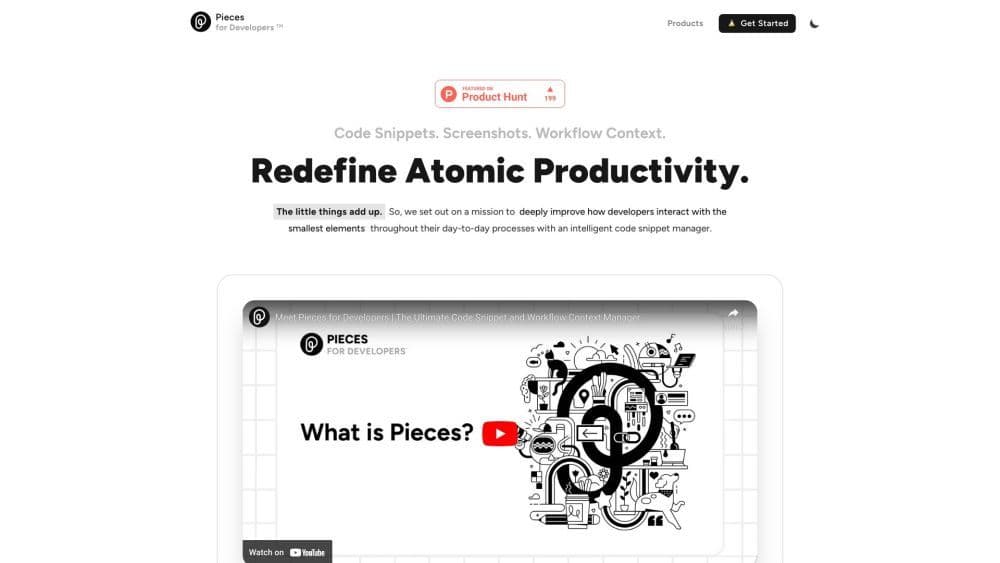
Pieces for Developers is an AI-powered code snippet manager and workflow environment tool. It enables developers to save, enhance, generate, search, and reuse essential developer materials such as code snippets, screenshots, and work-in-progress materials.
How to use Pieces?
To use Pieces for Developers, simply install the desktop application and the required plugins or extensions, such as Chromium browser, Visual Studio Code, JetBrains IDE, Obsidian, Microsoft Teams, and Jupyter Notebook. After installation, you can start saving code snippets, extracting code from screenshots, and managing your workflow with features like activity views, smart code conversion, and seamless collaboration.
Core Functions of Pieces
Privacy-first, no ads, offline available, dark mode, syntax highlighting, no programming required
AI-powered code snippet manager
Enhance snippets with titles, descriptions, tags, and related links
Extract code from screenshots via OCR + ML
Preserve key source code information and metadata for collaboration and reuse
Advanced search and filtering options for quick retrieval of saved materials
AI-powered code transformation for templates, code improvements, and translations
Smart Copilot for generating snippets, extracting code, and accelerating problem-solving
Workflow activity stream with a complete activity log
Easily share snippets via personalized links
Secure, private, and fast offline-first architecture with optional cloud enhancements
Usage Scenarios of Pieces
- Save and organize code snippets for quick access
- Extract code from screenshots for accurate results
- Preserve source code information and metadata for collaboration and workflow efficiency
- Quickly search and retrieve saved materials
- Generate templates and improve code readability and performance
- Translate code snippets into different languages
- Simplify coding processes and problem-solving
- Maintain activity logs of workflow operations
- Share code snippets with colleagues, classmates, and readers
- Enhance note-taking with smart code snippet management
Common Questions about Pieces
What is Pieces for Developers?
How to use Pieces for Developers?
What are the core features of Pieces for Developers?
What are the application scenarios for Pieces for Developers?