




Product Information
What is Unsubmarine?
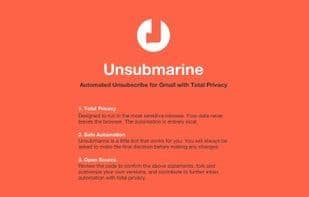
Unsubmarine automates clicking emails to find unsubscribe links, presenting them in a list for bulk unsubscribing.
Privacy and security are top priorities, so it runs ultra-securely in your inbox (even if this limits functionality):
Open-source: https://github.com/smcllns/Unsubmarine
Client-only browser extension—no server connections, so your data stays in-browser
No persistent local storage—nothing remembered after page refresh
Only scans for unsubscribe links and doesn’t delete emails
Does nothing until you click “Launch”
I built this to solve my own Gmail unsubscribe woes—if it helps you too, feel free to use it!
How to use Unsubmarine?
Unsubmarine is a Chrome extension that automatically scans Gmail emails for unsubscribe links and compiles them into a list for easy bulk unsubscribing. It prioritizes user privacy by performing all operations locally without connecting to any servers.
Core Functions of Unsubmarine
Privacy-Focused
Ad-Free
No Tracking
Gmail Integration
Gmail
Gmail Extension
Gmail extension
Usage Scenarios of Unsubmarine
- Automatically scan Gmail emails to find and collect unsubscribe links.
- Centralize all found unsubscribe links for easy batch unsubscribing.
- Efficiently batch unsubscribe from unwanted email subscriptions.
- Clean and manage your Gmail inbox to reduce spam.
Common Questions about Unsubmarine
What does Unsubmarine do?
How do I use Unsubmarine?
What are the core features of Unsubmarine?
What are the use cases for Unsubmarine?
















