
Product Information
What is Anemoj?
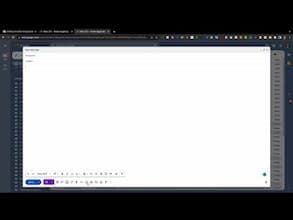
Type '::' followed by an emoji name to insert an emoji with Anemoji, making it faster and easier to add emojis to your Gmail emails. Simply type "::" and then the emoji name, and Anemoji will instantly insert the corresponding emoji into your message.
How to use Anemoj?
AnEmoj is a Chrome extension designed to help Gmail users insert emojis into emails faster and more easily. It instantly inserts emojis by typing specific commands, eliminating the need for manual searching or copy-pasting.
Core Functions of Anemoj
Insert Emojis by Typing '::' Followed by the Emoji Name
Instantly Insert Corresponding Emoji
Own a Rich Dictionary of Emoji Names
Support Latest and Popular Emojis
Automatically Add New Emojis
Run Directly in Web-Based Gmail
Usage Scenarios of Anemoj
- Quickly add emojis to Gmail emails.
- Avoid manually searching for emoji keyboards.
- Avoid copying and pasting emojis from other apps.
- Add personality to emails.
Common Questions about Anemoj
What does AnEmoj do?
How do I use AnEmoj?
What are the core features of AnEmoj?
What are the application scenarios of AnEmoj?