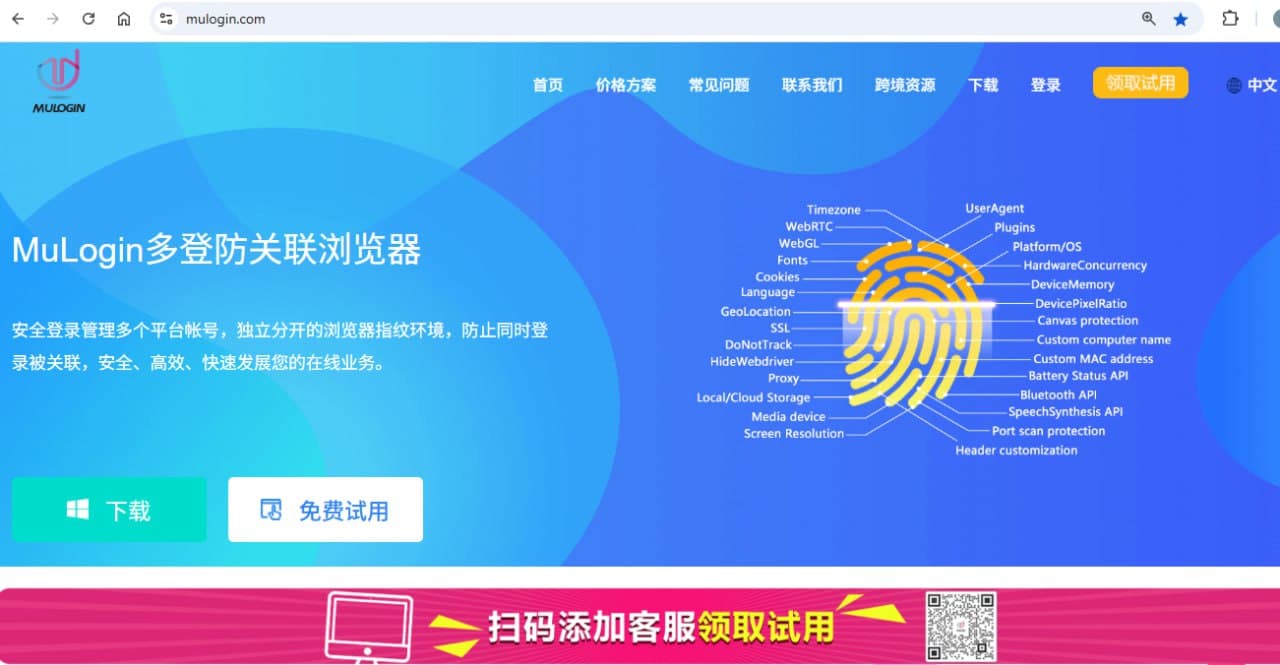

Product Information
What is MuLogin?
MuLogin is a professional tool based on browser fingerprint isolation technology. It deeply simulates device parameters such as hardware fingerprints, operating systems, time zones, languages, and plugins to create a distinct and unique digital browser identity for each account. This enables users to securely manage multiple platform accounts on a single device, effectively addressing issues like account association, risk control detection, and bans caused by overlapping fingerprint information or IP conflicts. Free trial available.
How to use MuLogin?
① Install the MuLogin client and log in; ② Create a browser and select an OS (fingerprints are randomized by default); ③ Set up a proxy IP (supports mainstream proxies); ④ Save and launch the browser to start managing your business.
Core Functions of MuLogin
Independent Fingerprint Environment: Batch create multiple independent and non-associated fingerprint environments;
Multi-Account Isolation Management: Independent Cookies and cache to prevent cross-data leakage;
Cross-Device Environment Data Sync: Encrypted synchronization of browser environment data for secure and efficient remote work and team collaboration;
Team Collaboration: Supports member permission assignment and one-click sharing of browser profiles;
API Automation: Supports Rest/Local API interfaces, seamlessly integrating with automation toolchains like Selenium and Puppeteer;
Proxy IP Integration: Supports mainstream proxies, batch associating proxy IPs with browser environments;
Usage Scenarios of MuLogin
- Cross-Border E-Commerce Multi-Store Operations: Suitable for Sellers Managing Multiple Stores Simultaneously, Preventing Platform Association Between Accounts Through Independent Fingerprint Environments, Reducing the Risk of Account Suspension
- Online Earning Project Operators: Such as CPA Marketing, Virtual Product Sales, Task Platform Scalping, etc., Increasing Revenue Through Multi-Account Concurrent Operations While Preventing Platform Bans Due to Repetitive Behavior
- Account Nurturing Teams: Long-Term Operation of Social, Advertising, and E-Commerce Platform Accounts, Deep Account Nurturing, Simulating Real Usage Behavior, Requiring Stable and Secure Fingerprint Browser Tools
- Data Collection and Crawling: Simulate Different Device Environments to Bypass Anti-Crawling Detection
- Developer Testing: Simulate Multi-Device, Multi-Region Access to Test Website Compatibility
- Social Media Matrix Marketing: Implement Batch Account Nurturing, Content Publishing, Ad Placement, etc., with Each Account Running in an Independent Environment to Avoid Being Identified as Abnormal Behavior by the Platform
Common Questions about MuLogin
Does MuLogin fingerprint browser support a trial?
How does MuLogin ensure multi-account login without detection by platforms?