




Product Information
What is Receipt?
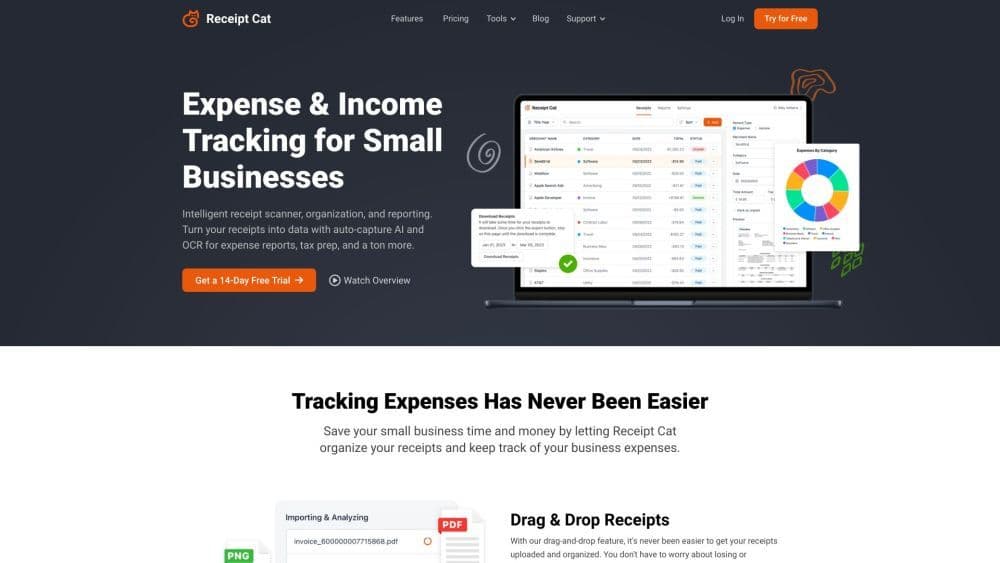
Receipt Cat is an invoice scanning app and expense tracker designed to help you keep track of your business invoices and manage your small business expenses. Tailored for freelancers, independent developers, or sole proprietors, it offers a simple and efficient way to automate their expenses and convert their invoices into data.
How to use Receipt?
To use Receipt Cat, log in and drag/drop invoices or financial files into the app. The smart scanner uses OCR and AI to extract data like merchant names, taxes, and totals. You can also upload photos via the mobile app. Receipt Cat organizes invoices into searchable categories and provides a dashboard to track expenses and income.
Core Functions of Receipt
Expense Tracking
Receipt Cat's core features include effortless income and expense tracking, drag-and-drop invoice uploads, AI-powered automatic capture of key invoice data, organized and searchable invoices, a reporting dashboard for expense analysis, easier tax and audit preparation, customizable expense subcategories, digitization of paper invoices, compliance with legal record-keeping requirements, no lost invoices, custom rules for automatic categorization, data and invoice export, and the ability to scan invoices anytime, anywhere.
Usage Scenarios of Receipt
- Receipt Cat is best suited for part-timers, freelancers, entrepreneurs, sole proprietors, and small business owners who want a simple and efficient expense tracking solution without the complexity of an accounting system. It’s ideal for those who wish to easily track their expenses and income, prepare for tax time, and have digital copies of their invoices.
Common Questions about Receipt
Why do I need an expense tracker?
Who is Receipt Cat best suited for?
Are scanning apps safe?
What does a receipt scanner do?
What types of files can I upload?
Does Receipt Cat keep digital copies of receipts?
Can I add custom categories?
Can I try Receipt Cat for free?
Can I cancel anytime?



















