



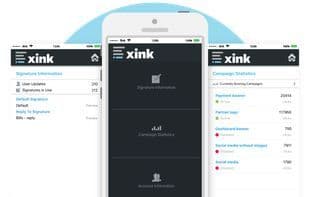

Product Information
What is Xink?
Create a custom, targeted, and professional email signature marketing tagline below your contact information to share updates, achievements, values, promote content, and more! All with clickable call-to-action elements to help drive traffic and spark interest.
How to use Xink?
Xink provides centralized, secure, and consistent email signature management, helping businesses create customized, professional signatures with marketing banners in Office 365, Outlook, and Google Workspace to enhance branding and drive traffic.
Core Functions of Xink
Standardized Email Signatures
Email Signature Generator
Usage Scenarios of Xink
- Share Company Updates, Achievements, and Values in Email Signatures
- Promote Content with Clickable Call-to-Action Banners to Drive Website Traffic and User Interest
- Ensure Brand Consistency and Professional Appearance in All Employee Email Signatures
- Centrally Update Email Signatures for All Employees in the Organization to Improve Efficiency and Reduce Errors
- Include Necessary Legal Disclaimers, Confidentiality Notices, and Compliance Information in Email Signatures
- Allow Marketing and Communication Teams to Independently Manage Email Signatures, Reducing IT Department Involvement
Common Questions about Xink
What does Xink do?
How do I use Xink?
What are the core features of Xink?
What are the application scenarios for Xink?



















