




Product Information
What is Barklarm?
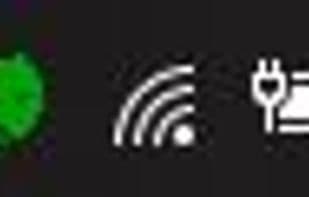
Display the status of your projects as items in the tray menu bar. Works with most major CI/CD servers and alert systems.
How to use Barklarm?
Barklarm is a native OS build and monitor radiator that displays project status in the tray menu bar and centralizes all observability alerts for builds, monitoring, logs, etc., helping users reduce cognitive load and detect system issues promptly.
Core Functions of Barklarm
Continuous Deployment
CI/CD
Build automation
Continuous Integration
Located in the System Tray
Cloud Monitoring
Usage Scenarios of Barklarm
- Monitor application system status
- Centrally manage all observability alerts like builds, monitoring, and logs
- Get notified before system issues escalate into major failures
- Connect multiple data sources (e.g., logs, metrics, builds) for comprehensive alerts
- Build and monitor software projects
- Speed up issue resolution with customizable local alerts
Common Questions about Barklarm
What does Barklarm do?
How do I use Barklarm?
What are the core features of Barklarm?
What are the application scenarios of Barklarm?



















