



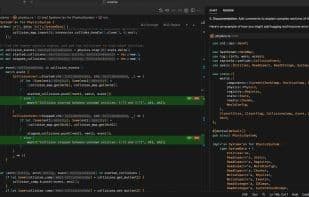

Product Information
What is Cursor?
AI-First Code Editor. Build software faster in an editor designed for pair programming with AI.
Build software faster. Cursor features bring significant acceleration to engineers.
Chat with your project.
Avoid searching for code with answers tailored to your repository.
Change code.
Let AI handle low-level logic, keeping you in the flow and focused on what matters.
Find and fix bugs.
Cursor can scan your code for errors and quickly help you resolve them.
Familiar and secure.
Migrate all your favorite VSCode extensions with one click, using local options for security-critical work.
One-click migration.
Cursor is a fork of VSCode. Import all extensions, themes, and key bindings with a single click.
Keep code local.
In local mode, we don’t store any of your data on our servers or logs.
How to use Cursor?
Cursor is an AI-first code editor designed to help engineers build software faster through AI pair programming, significantly boosting development efficiency.
Core Functions of Cursor
Git support
Extensible via plugins/extensions
Code formatting
AI-Powered
Syntax Highlighting
Auto-Completion
Usage Scenarios of Cursor
- Chat with projects to get codebase-specific answers, avoiding manual code searches
- Let AI write underlying logic and make code changes, allowing developers to focus on core business
- Scan code to quickly find and fix errors
- Migrate VSCode extensions, themes, and key bindings with one click for a smooth transition
- Keep code data secure in local mode, not stored on servers or logs
- Develop with AI-powered coding assistance and command-line support
Common Questions about Cursor
What does Cursor do?
How do I use Cursor?
What are the core features of Cursor?
What are the use cases for Cursor?



















