




Product Information
What is Docker desktop?
Docker Desktop is a one-click installation application designed for Mac, Linux, or Windows environments, enabling you to build, share, and run containerized applications and microservices.
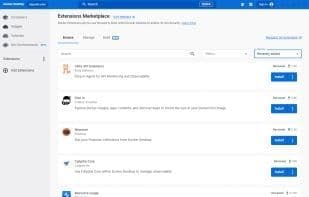
It offers a straightforward GUI (Graphical User Interface) that allows you to manage containers, applications, and images directly from your computer. Docker Desktop can be used on its own or as a complementary tool to the CLI. By minimizing the time spent on complex setups, Docker Desktop lets you focus on coding. It handles port mapping, filesystem issues, and other default configurations, while also providing regular updates for bug fixes and security enhancements.
How to use Docker desktop?
Docker Desktop is a one-click install application for building, sharing, and running containerized applications and microservices on Mac, Linux, or Windows environments, simplifying complex setups so developers can focus on coding.
Core Functions of Docker desktop
Command-line interface, container virtualization, ad-free, dark mode, Docker support, virtualization
Usage Scenarios of Docker desktop
- Build containerized applications in Mac, Linux, or Windows environments.
- Share and run containerized applications and microservices.
- Manage containers, applications, and images via a graphical user interface (GUI).
- Use as a complement to command-line tools (CLI).
- Simplify complex setups and focus on coding.
- Conduct local-first LLM inference.
Common Questions about Docker desktop
What does Docker Desktop do?
How do I use Docker Desktop?
What are the core features of Docker Desktop?
What are the use cases for Docker Desktop?



















