




Product Information
What is Field monitor?
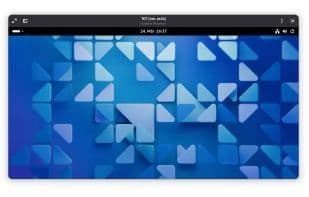
Field Monitor is a remote desktop client specifically designed for the GNOME platform.
It focuses on connecting to virtual machines but can connect to any server supporting RDP, SPICE, or VNC protocols.
It supports direct connections to virtual machines under the following hypervisors:
Proxmox
QEMU/KVM via libvirt
For supported hypervisors, Field Monitor also provides options to manage basic power states of virtual machines, such as starting, stopping, restarting, etc.
Additionally, Field Monitor supports opening RDP and Virt Viewer connection files and enables quick connections to RDP, SPICE, or VNC servers via URIs.
How to use Field monitor?
Field Monitor is a GNOME remote desktop client for connecting to VMs and servers via RDP, SPICE, or VNC, with VM power management.
Core Functions of Field monitor
Privacy-focused, no ads, no registration, no tracking, remote support, VNC support
Usage Scenarios of Field monitor
- Remotely connect to virtual machines
- Connect to servers supporting RDP protocol
- Connect to servers supporting SPICE protocol
- Connect to servers supporting VNC protocol
- Manage power states (start, stop, reboot) of Proxmox or QEMU/KVM virtual machines
- Open RDP and Virt Viewer connection files
Common Questions about Field monitor
What does Field Monitor do?
How do I use Field Monitor?
What are the core features of Field Monitor?
What are the use cases for Field Monitor?



















