




Product Information
What is Gitg?
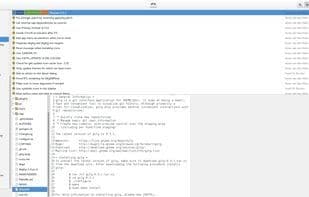
gitg is a git repository viewer designed for gtk+/GNOME. One of its primary goals is to deliver a more unified user experience for git frontends across multiple desktops. Rather than developing a cross-platform application, it achieves this by closely collaborating with similar clients on other operating systems, such as GitX for OS X. gitg focuses on scenarios where graphical representations of git data or operations are beneficial. The history view serves as a prime example, where visual representation aids in gaining an overview of the repository. gitg is not intended to be an advanced tool that grants access to every git feature via a graphical interface, but it does aim to integrate common operations that might otherwise require multiple command-line steps (e.g., staging, unstaging, reverting, and committing).
How to use Gitg?
gitg is a graphical Git repository viewer for GTK+/GNOME, designed to provide a unified Git frontend experience and visually display Git data and operations.
Core Functions of Gitg
Lightweight
Dark Mode
No Registration Required
Ad-Free
Git Support
Usage Scenarios of Gitg
- View Git repository history
- Overview recently used repositories
- Browse repository file views
- Organize commits in the staging area
- Commit staged changes
- Add or clone Git repositories
Common Questions about Gitg
What does gitg do?
How do I use gitg?
What are the core features of gitg?
What are the use cases for gitg?


















