




Product Information
What is Quash report?
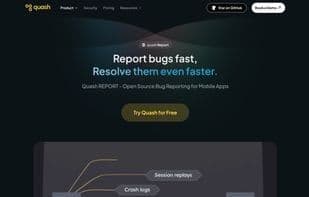
Quash is an SDK tool that seamlessly integrates into application test versions. It enables QA testers to instantly create and submit bug reports from the mobile interface. Beyond manual input, Quash automatically captures screenshots, screen recordings, API call statuses, and performs root cause analysis, thereby speeding up developers' bug resolution. Additionally, our dashboard centralizes bug management and offers integrations with project management platforms like Jira and Asana. For leadership, the dashboard presents key QA analytics and provides an overview.
How to use Quash report?
Quash Report is an in-app bug reporting tool for mobile apps, automatically capturing context to speed up QA submissions and developer fixes.
Core Functions of Quash report
Lightweight
Dark Mode
Real-time collaboration
Debugging
Bug Reporting
Issue tracking
Usage Scenarios of Quash report
- QA testers instantly create and submit bug reports within mobile applications.
- Developers use automatically captured screenshots, screen recordings, and API call statuses to quickly locate and resolve issues.
- Management views key QA analytics and overall bug management via dashboards.
- Testers report bugs directly by shaking the device, with screenshots and relevant app data attached.
- Leverage AI features to receive instant bug-fix suggestions.
- Add voice notes and text comments to bug reports for additional context.
Common Questions about Quash report
What does Quash Report do?
How do I use Quash Report?
What are the core features of Quash Report?
What are the application scenarios of Quash Report?



















