




Product Information
What is Sitedelta?
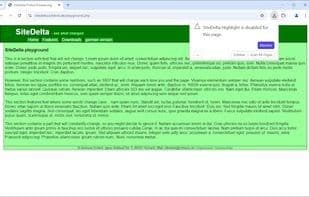
SiteDelta was an add-on for older versions of Mozilla Firefox (prior to the introduction of WebExtensions). It could scan for changes on websites since your last visit.
The add-on placed a small Delta icon in the browser's status bar. Clicking it would highlight all modified text content on the current page (since your last click). Clicking again would cycle through the changes. Right-clicking the icon provided access to additional features offered by SiteDelta.
For current versions of Mozilla Firefox and Google Chrome, SiteDelta Watch serves as the official successor.
How to use Sitedelta?
SiteDelta is a browser extension for monitoring changes on specified web pages, highlighting modifications to page content since the last visit, helping users easily spot updates. It offers a convenient way to track changes in website content.
Core Functions of Sitedelta
Website Monitoring
Monitor File Changes
Browser Extension
Usage Scenarios of Sitedelta
- Monitor changes on specified web pages
- Highlight all changed text content on the current page since the last visit
- Regularly check pages for updates
- Receive page update notifications without opening the page
- Automatically highlight changes when visiting known pages
- Selectively check for specific changes, avoiding irrelevant ads or updates
Common Questions about Sitedelta
What does SiteDelta do?
How do I use SiteDelta?
What are the core features of SiteDelta?
What are the use cases for SiteDelta?



















