




Product Information
What is TeleportHQ?
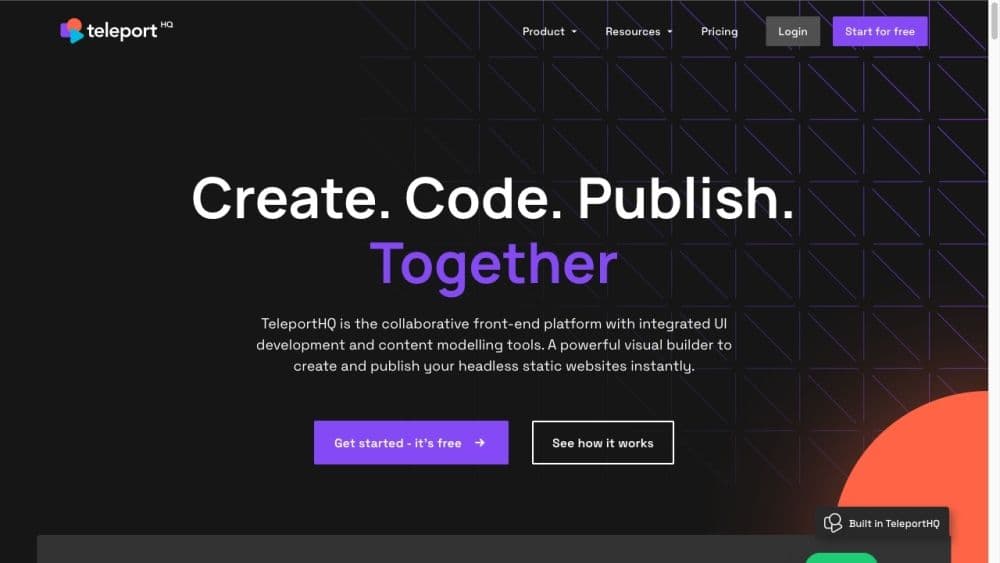
TeleportHQ is a low-code front-end design and development platform that provides visual building tools and headless content modeling capabilities.
How to use TeleportHQ?
To use TeleportHQ, follow these steps:
1. Register and log in to your TeleportHQ account.
2. Use the visual builder to create stunning static websites or UI elements.
3. Import designs from Figma using the Figma plugin.
4. Customize designs, add custom code, and create interactions using the front-end UI editor.
5. Collaborate with team members via shared workspaces and projects.
6. Deploy your site with Vercel for free hosting, or download clean code.
Core Functions of TeleportHQ
No coding, drag and drop
No coding, drag and drop
Visual builder for static websites and UI elements
Headless content modeling
Seamless team code collaboration
Figma plugin for design imports
Resources include website showcases, customer stories, templates, blogs, help centers, docs, and tutorials
Usage Scenarios of TeleportHQ
- Professionals Who Want to Build Websites Without Programming Experience
- Teams Working on Front-end Development Projects
- Individuals or Businesses Needing Website Building Tools with AI Capabilities
- Designers and Developers Seeking Code Collaboration Tools
Common Questions about TeleportHQ
Can I export code generated by TeleportHQ?
Does TeleportHQ support collaboration between designers and developers?
Can I integrate TeleportHQ with a headless CMS?
What if I have existing designs in Figma?
Can I host my website with TeleportHQ?




















