




Product Information
What is Wegic?
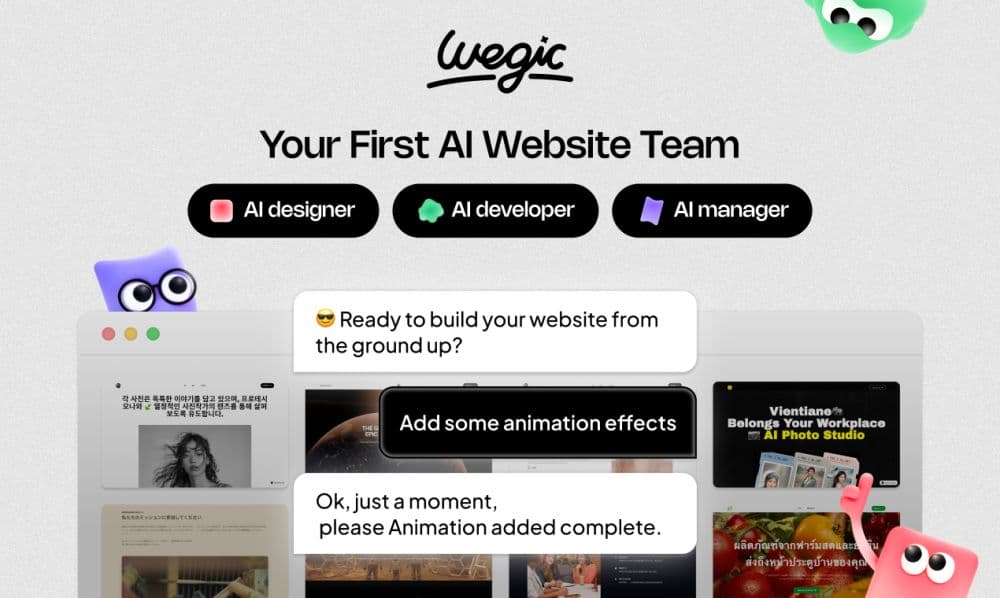
Wegic is your AI website team. With Wegic, you can create a fully customized website in just 60 seconds by simply chatting—no coding skills required, and publishing is just one click away.
Wegic's AI manager ensures your site stays automatically updated, while its multilingual support helps users worldwide communicate effortlessly.
How to use Wegic?
📹Youtube video: https://youtu.be/rB6oB3tuMOo.
Wegic provides a platform where anyone can easily create their own website. With tools and guides tailored for you, Wegic simplifies the website creation process, enabling you to express creativity and bring your vision online.
Create your website in just three steps.
Step 1:
Start a conversation with Wegic by expressing your website preferences and needs.
Step 2:
Wegic will provide suggestions and adjustments based on your input, guiding you through the design process.
Step 3:
Once you're satisfied with the website design, Wegic will help you publish the website effortlessly, ensuring it is accessible to your audience.
Core Functions of Wegic
Lightweight, no-code, WYSIWYG HTML editor with real-time preview and extensibility via plugins/extensions
AI web design
AI web development
Beginner-friendly
Usage Scenarios of Wegic
- Create a personal resume and portfolio website: 📎https://davis.wegic.app/?source=toolify
- Build a website for a photography studio: 📎https://photographystudio.wegic.app/?source=toolify
- Create a corporate website: 📎https://solacec08fa282.wegic.app/?source=toolify
Common Questions about Wegic
Can Wegic help create an e-commerce website?
I have no website-building experience. Can I use it? Is it difficult?
Can I create multiple pages on my website?
Does Wegic support multiple languages?
Is my website mobile-responsive?
How do I publish my website?




















