
Product Information
What is Auri.AI?
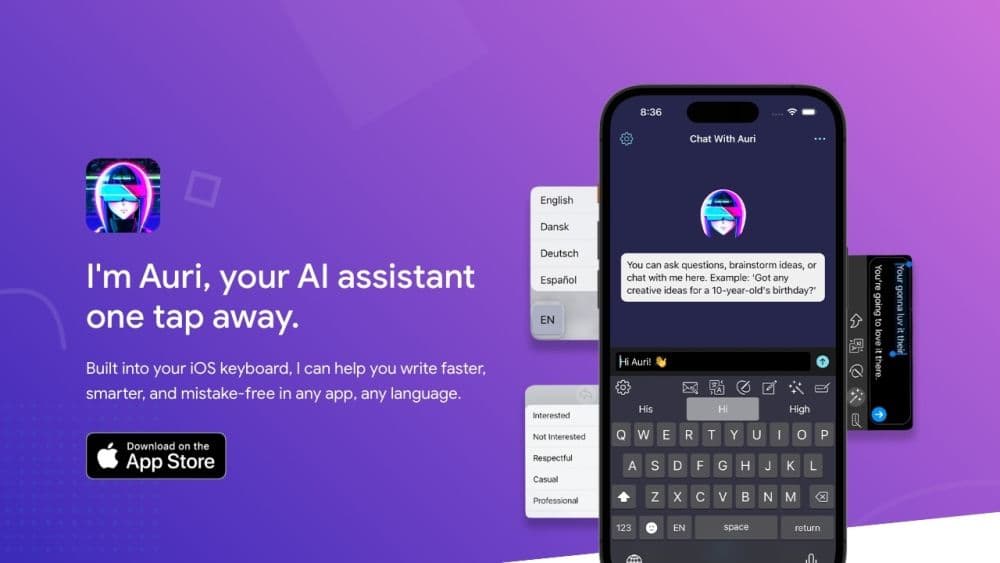
Auri AI is a multilingual AI keyboard, enhanced AI chat, smart note-taking, and transcription app that helps users write faster, smarter, and more accurately in any app and any language.
How to use Auri.AI?
To use Auri AI, simply download the app on your iPhone, iPad, Mac, or Apple Watch. Switch the default keyboard to Auri AI, and you'll gain access to various features like writing, translation, rewriting, grammar checking, voice recording, transcription, and more. You can also chat with the AI assistant to ask questions, brainstorm, or learn new things.
Core Functions of Auri.AI
Multilingual AI keyboard
Enhanced AI chat
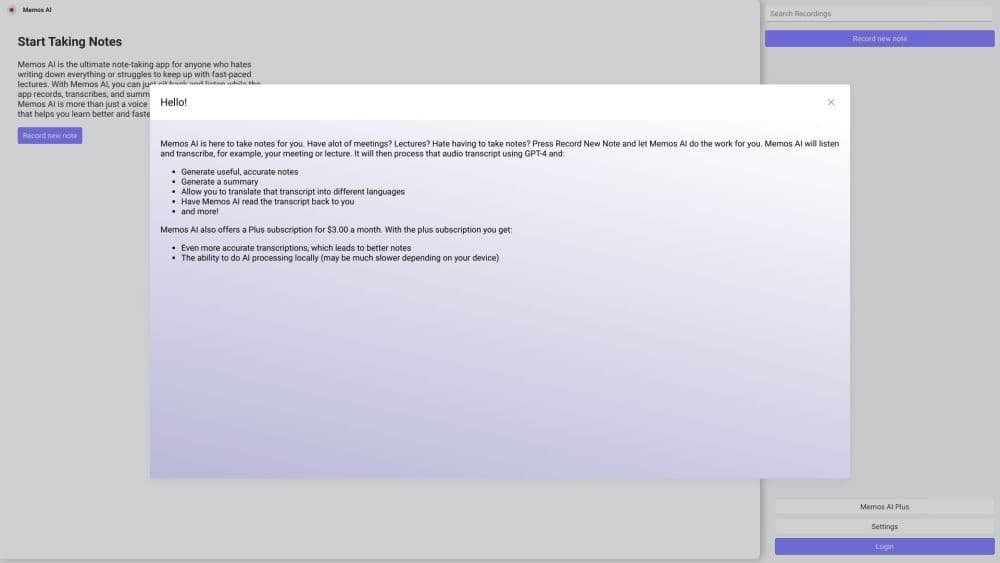
Smart notes
Advanced transcription
Usage Scenarios of Auri.AI
- Write blogs, articles, emails, and more
- Correct grammar and spelling errors
- Translate writing into over 20 languages
- Rewrite sentences and paragraphs
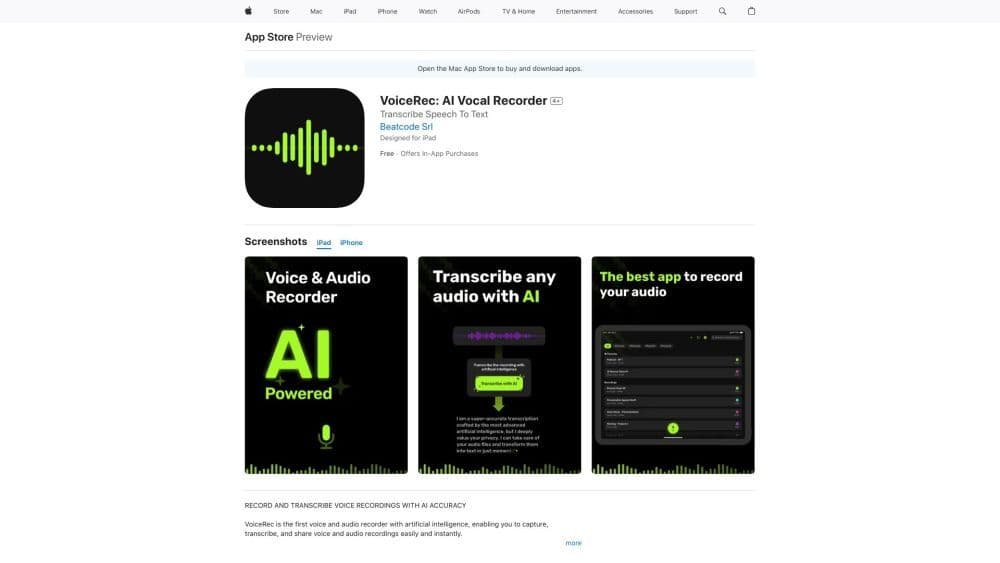
- Record and transcribe voice memos
- Create meeting notes
- Boost productivity and writing efficiency
Common Questions about Auri.AI
Can Auri AI keyboard be used in all apps?
I can't use any features on the keyboard. I click buttons, but nothing happens.
How do I switch the default keyboard to Auri AI?
How do I access all 42 keyboard languages?
I was asked to 'Allow Full Access.' What does this mean?
Can I use rewrite, translation, and grammar correction on just part of the text?
Can I transcribe voice recordings in languages other than English?
Can I use Auri AI for free?