
Product Information
What is Backtrack?
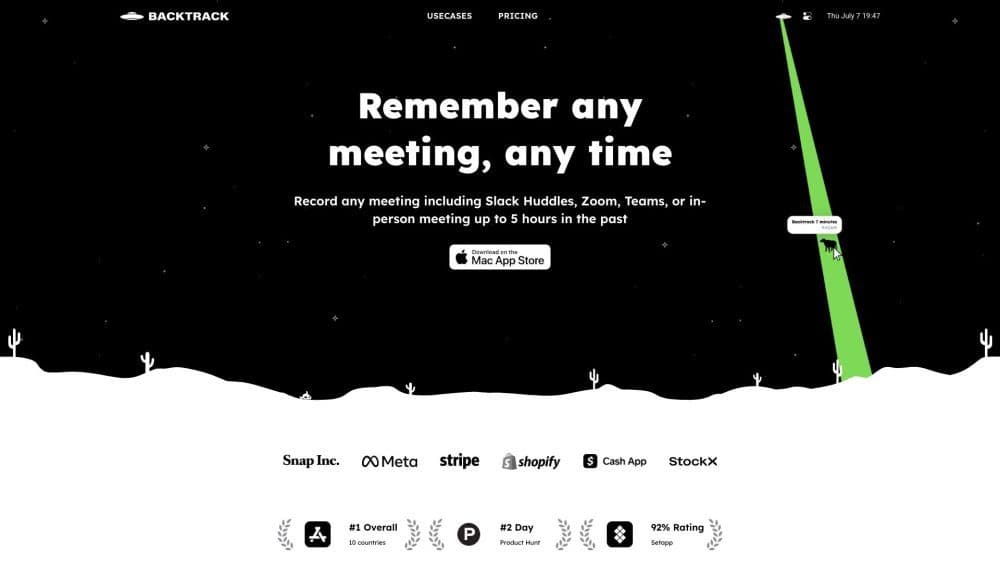
Backtrack is a Mac menu bar recording app that lets users save past audio, screen, and microphone recordings. It's designed to help users record in various scenarios, such as meeting notes, customer calls, brainstorming sessions, user interviews, sales calls, webinars, conference booths, bug reports, and more.
How to use Backtrack?
To use Backtrack, simply install the app on your Mac. Once installed, the Backtrack icon will appear in the menu bar. Click and drag the icon to save the past hour of face-to-face or Zoom calls. Backtrack automatically remembers the most recent hour of internal/external audio and screen recordings. You can preview and customize the Zoom calls and face-to-face conversations you want to save before downloading. The recordings remain entirely private to you until you create a shareable link.
Core Functions of Backtrack
Locally Record Audio, Screen, or Microphone for the Past 5 Hours
Preview and Customize Recordings Before Download
Upload Recordings to the Cloud for AI Note-Taking
Generate AI Transcripts and Summaries
Save Recordings from Various Platforms Like Zoom, Slack Huddles, Face-to-Face Meetings
Usage Scenarios of Backtrack
- Record Slack Huddles meetings
- Customer calls
- Brainstorming Sessions
- User interviews
- Sales calls
- Webinars
- Conference booths
- Bug Reporting
Common Questions about Backtrack
Which platforms does Backtrack support for recording?
How far back can Backtrack record?
Can I customize which Zoom calls or in-person conversations to save?
Is my recording data private?