
Product Information
What is Claap?
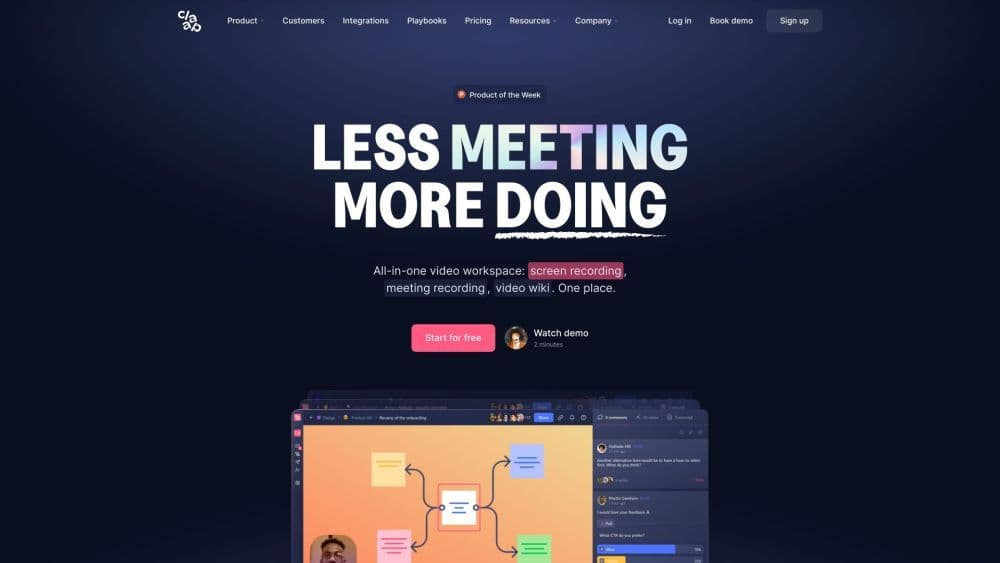
Claap is an all-in-one video workspace designed to streamline collaboration and knowledge sharing among teams. It features screen recording, meeting recording, and video wiki capabilities, allowing users to replace traditional meetings with short videos and transform them into shareable knowledge. Claap also offers AI-assisted note-taking to enhance meeting effectiveness, making key moments easily accessible to team members.
How to use Claap?
To use Claap, register an account. Once logged in, use the screen or meeting recording features to start recordings. Organize and search recordings with the video wiki. Claap integrates with various apps to automate workflows and boost efficiency. Connect your preferred apps to collaborate effectively with your team.
Core Functions of Claap
Screen Recording
Meeting recording
Video wiki
AI notes
Video annotation
Comment threads
Voting
AI-generated notes
Transcription in 100 languages
Speaker insights
Topic recognition
AI-powered search
Team and topic organization
Advanced Privacy
Inbox
Automated workflows
Custom Views
Usage Scenarios of Claap
No usage scenarios available, please contact customer service for details
Common Questions about Claap
Can I replace meetings with short videos?
Can I generate AI-assisted notes from my meetings?
Can I search my video recordings?
Can I organize my workspace by teams and topics?
Does Claap integrate with other applications?
What are Claap's pricing options?