
Product Information
What is Ctrl?
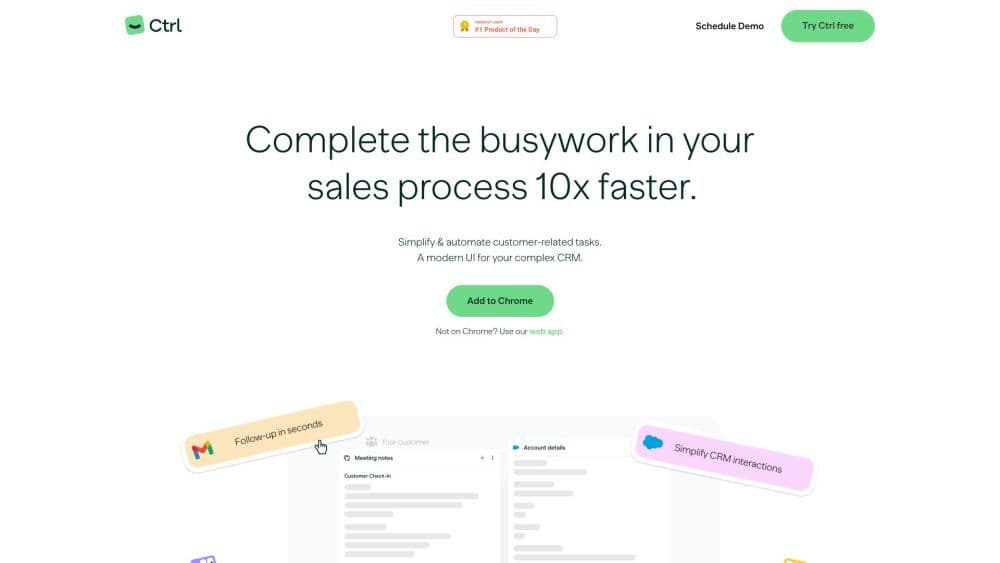
Ctrl is a customer relationship management (CRM) tool that simplifies and automates customer-related tasks, saving time and allowing users to focus on high-value work. It offers a modern UI and integrates with various apps to make sales processes more efficient.
How to use Ctrl?
To use Ctrl:
1. Sign up with Google or Salesforce.
2. Connect apps by dragging them into Ctrl.
3. Customize card order and use templates to view key info.
4. Keep Ctrl open for cross-app updates.
5. Use dynamic suggestions to stay updated and work smarter.
Core Functions of Ctrl
Automated CRM Updates: Ctrl simplifies and automates CRM updates, eliminating the hassle of manual data entry.
Quick Customer Lookup: Before each call, gain insights into conversations, tasks, and notes about the customer.
Customizable Task Views: Schedule and customize views to capture customer tasks you need to complete.
Instant Deal Updates: Perform tasks immediately, send follow-up emails, update CRM fields without switching platforms.
Workflow Automation with AI: Boost productivity by using template filling, automated CRM updates, and generating personalized follow-up emails.
Usage Scenarios of Ctrl
- Complete sales processes 10 times faster
- Simplify and automate customer-related tasks
- A sophisticated CRM with a modern interface
- Gain customer insights before calls
- Streamline CRM update processes
- Efficiently execute customer tasks
- Instantly update and process transactions
- Automate workflows with AI
Common Questions about Ctrl
Can Ctrl be used with any CRM platform?
Is Ctrl available as a web application?
How long does it take to set up Ctrl?
Which apps does Ctrl integrate with?
How does Ctrl help improve productivity?