




Product Information
What is Curiosity?
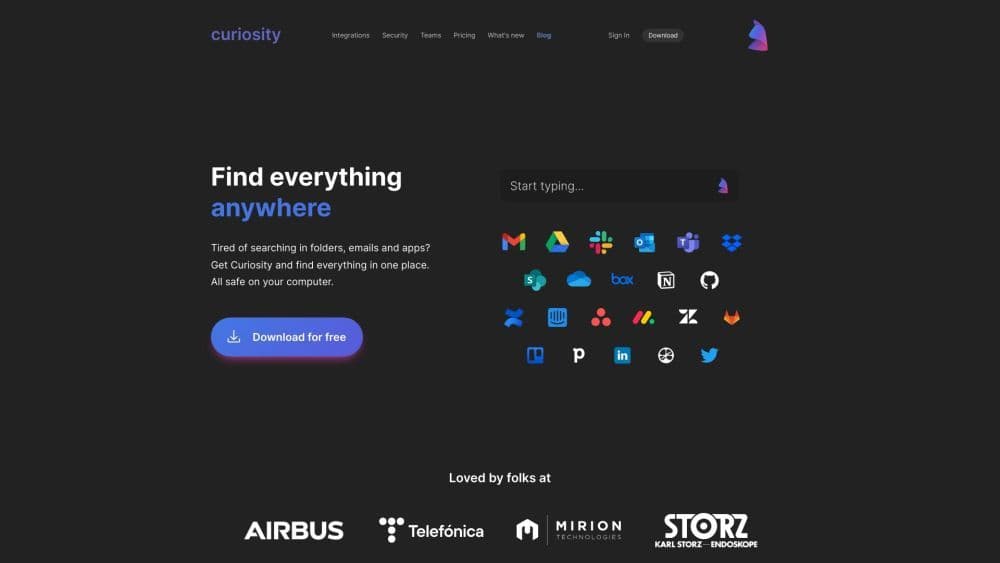
Search all your apps and files in one place.
How to use Curiosity?
Download and install Curiosity on your device. Open the app and start typing to search for files, emails, events, etc. Use commands and shortcuts for actions like opening apps or locking your computer. Bookmark frequently used files for quick access. Save searches to instantly retrieve what you need.
Core Functions of Curiosity
Search all applications and files in one place
Quickly reply to and forward emails directly from the app
View and join events from various calendars and accounts
Sort documents and emails by contacts
Sync contacts and related data from all applications
Tag your most frequently used files for quick access
Save searches and instantly access desired content
Usage Scenarios of Curiosity
- Merge and manage all email accounts in one place
- Instantly view all events and join meetings
- Quickly open favorite applications with just a few keystrokes
- Get high-speed search for all local files and cloud applications with minimal keystrokes
- Use shortcuts to search websites like Google Maps or Wikipedia
- Find files and messages miraculously sorted by contacts
Common Questions about Curiosity
What does Curiosity do?
How do I use Curiosity?
Can I sync my email accounts with Curiosity?
Is my data safe with Curiosity?



















