




Product Information
What is DeepL?
DeepL is the world's most accurate translation tool, offering instant and precise translation services for individuals and teams. It can translate texts and entire document files, supporting multiple languages.
How to use DeepL?
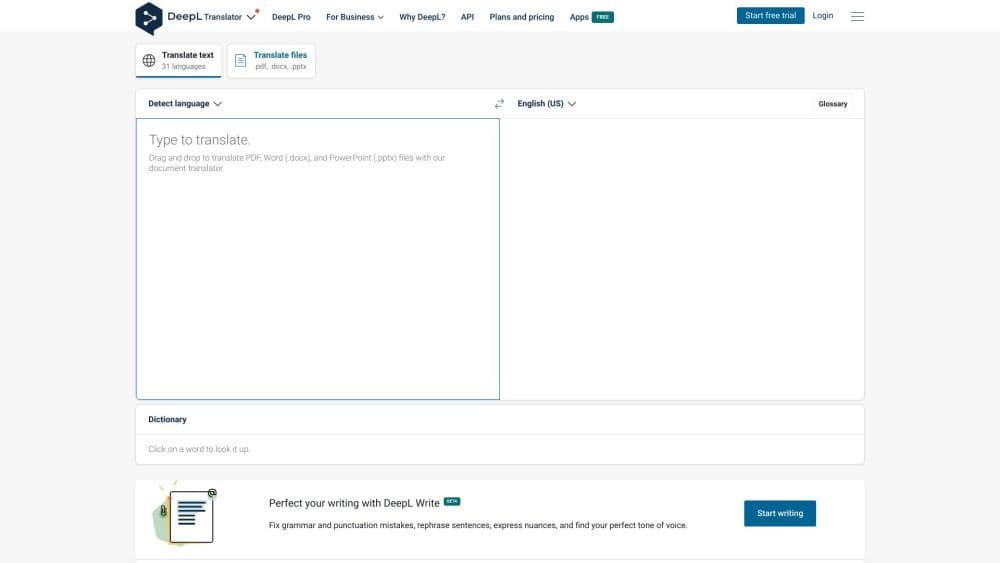
To use DeepL, simply select the source language and then input or paste the text to be translated. You can also drag and drop Word (.docx) and PowerPoint (.pptx) files for translation. DeepL supports popular language pairs such as Spanish to English, French to English, and Japanese to English. Additionally, it supports Bulgarian, Chinese, Czech, Danish, Dutch, Estonian, Finnish, German, Greek, Hungarian, Italian, Latvian, Lithuanian, Polish, Portuguese, Romanian, Russian, Slovak, Slovenian, and Swedish. After entering the text, select the target language, and DeepL will immediately provide accurate translation results.
Core Functions of DeepL
DeepL offers several core features, including:
- Accurate translations for individuals and teams
- Instant translation of text and document files
- Support for multiple source and target languages
- Drag-and-drop functionality for document translation
- Millions of users translate with DeepL daily
- DeepL Pro offers additional features for businesses
- Applications available for Windows and Mac
Usage Scenarios of DeepL
- DeepL can be used for various purposes, such as: - Translating personal documents, emails, or messages - Supporting multilingual communication for teams or companies - Translating educational or research materials - Providing accurate translations to aid language learning - Enabling global customer support by translating inquiries or product descriptions
Common Questions about DeepL
What languages does DeepL support?
Is DeepL Pro suitable for enterprises?
Can I use DeepL to translate document files?
Is DeepL compatible with Windows and Mac?




















