




Product Information
What is Detail?
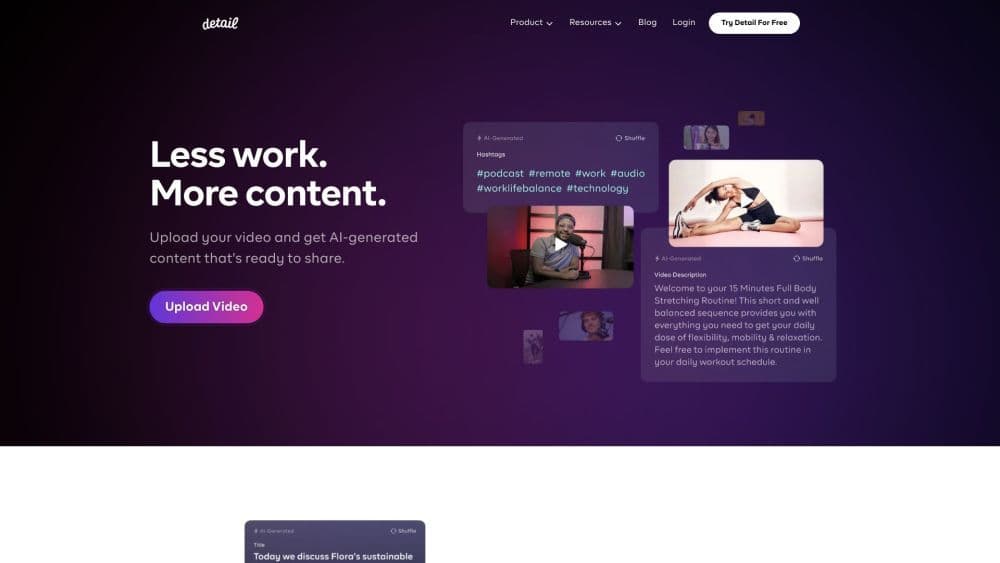
Detail is a camera app designed specifically for storytellers, combining the simplicity of a camera application with the robust features of a video editor. It enables users to more swiftly record and edit captivating videos.
How to use Detail?
To use Detail, download it from the App Store on your Mac or iOS device. After installation, open the app and start recording with the front or rear camera. You can also choose video backgrounds from the library or use the rear camera as a backdrop. Post-recording, edit videos, add captions, apply filters, and share.
Core Functions of Detail
Faster Recording and Editing of Engaging Videos
Replace Background with Anything
Unleash Your Creativity to Express Yourself
Mix Camera, Background, Subtitles, and Styles
Instantly Edit Every Shot
Simultaneous Use of Front and Rear Cameras
Speak Over Videos and Apply Green Screen Effects
Record Videos Vertically or Horizontally
Merge Selfie Videos with Other Videos from Camera Library
Usage Scenarios of Detail
- Create travel video logs.
- Makeup Tutorial
- Cooking Show
- Online courses
- Music Video
- Podcast
- Reaction Video
Common Questions about Detail
Can I use Detail on my Mac?
Can I change the background in my video?
Can I edit my video after recording?
Can I record video using both the front and rear cameras simultaneously?
Can I import videos from my camera roll?



















