




Product Information
What is Hurd AI?
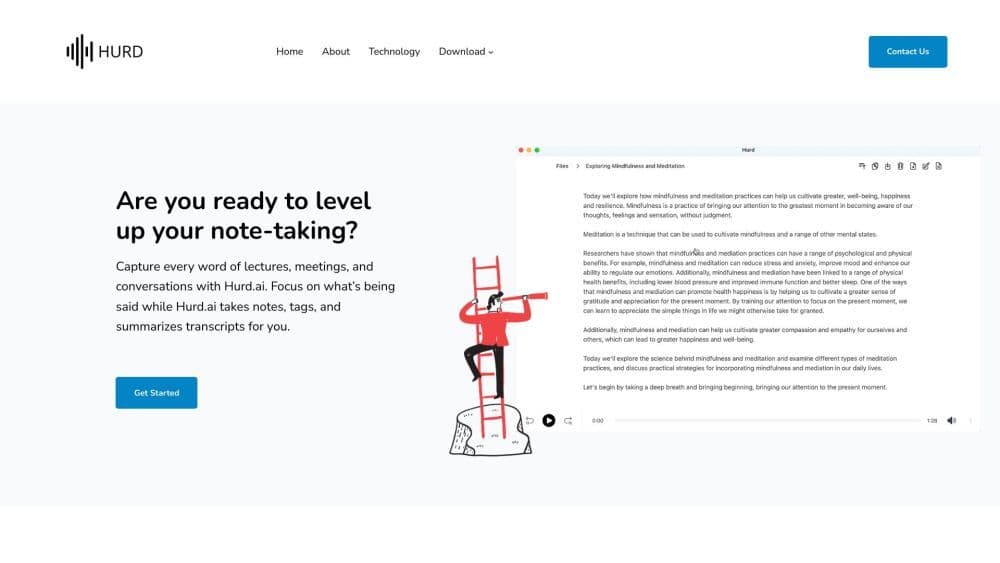
Hurd AI is an AI-powered note-taking tool designed to capture every word from lectures, meetings, and conversations. It automatically transcribes, tags, and summarizes the content.
How to use Hurd AI?
To use Hurd AI, download the app on macOS or Windows. Import audio or video files in various formats or record live conversations. Hurd AI will transcribe the content and provide searchable text. You can replay audio, edit directly in the transcript, and export it in different formats. The tool works across devices and supports multiple languages.
Core Functions of Hurd AI
Automatically transcribe meetings and conversations
Import audio and video files in various formats
Play audio within transcriptions
Support for Multiple Languages
Directly edit transcribed text
Data privacy - Files and transcriptions remain on local machines
Export and integration options
Usage Scenarios of Hurd AI
- Take notes during lectures.
- Transcribe meetings.
- Record conversations.
- Summarize discussions.
- Review key points from recorded content.
- Convert audio into searchable text.
Common Questions about Hurd AI
What file formats does Hurd AI support for import?
Can I edit the transcribed text?
Are there any usage limits?
How do I export my transcribed text?
Where are my audio files and transcriptions stored?



















