
Product Information
What is Komodo?
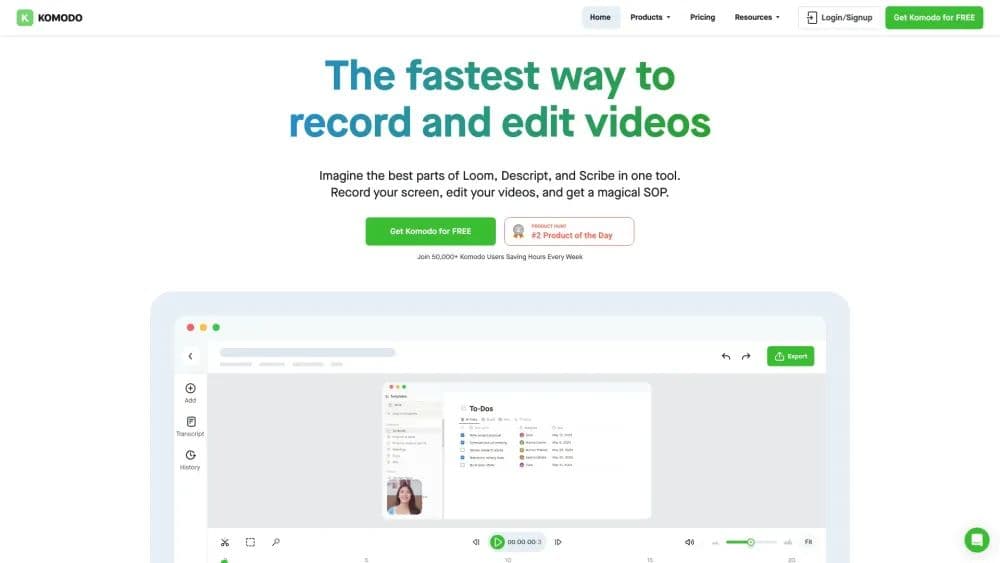
The fastest way to record screens and create interactive guides.
How to use Komodo?
1. Download and install Komodo on your Mac or Windows computer.
2. Open Komodo and select the screen you want to record.
3. Click the record button to start recording.
4. Edit your video and add interactive elements like guides.
5. Share your video with others.
Core Functions of Komodo
Unlimited screen recording
Lightweight and ultra-fast
Instant sharing
Native desktop application
System audio recording
Usage Scenarios of Komodo
- Presentations
- Education
- Sales
Common Questions about Komodo
Is Komodo available on both Mac and Windows?
Can I record my screen without time limits?
Does Komodo offer customer support?
Is Komodo venture-funded?
Does Komodo include AI features?