
Product Information
What is Make?
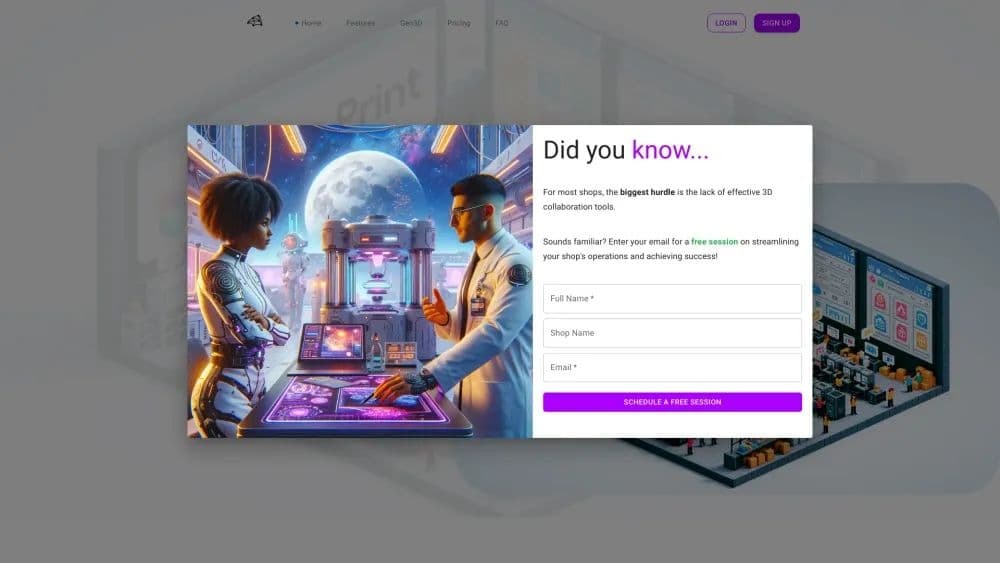
Magic Mark enhances the workflow for prototyping and product development companies by offering a 3D management software platform, leveraging additive manufacturing technology to improve customer experience and profitability.
How to use Make?
Log in, create projects, upload/view models, manage teams and devices, and access professional tools like 3D viewers and AI chat.
Core Functions of Make
Project Management
AI Assistance
3D file inspection
Inventory Management
Automatic quotation service
Usage Scenarios of Make
- Tracking All Tasks and Projects
- Checking Parts in the Browser
- Staying in Touch with Teams and Clients
Common Questions about Make
How to use Mo Yin?
How is Mo Yin different from tools like Trello?
How do I upgrade my Mo Yin plan?
How do I request support from the Mo Yin team?
How do I cancel my Mo Yin subscription?
Can I request features for Mo Yin?