




Product Information
What is Murf AI?
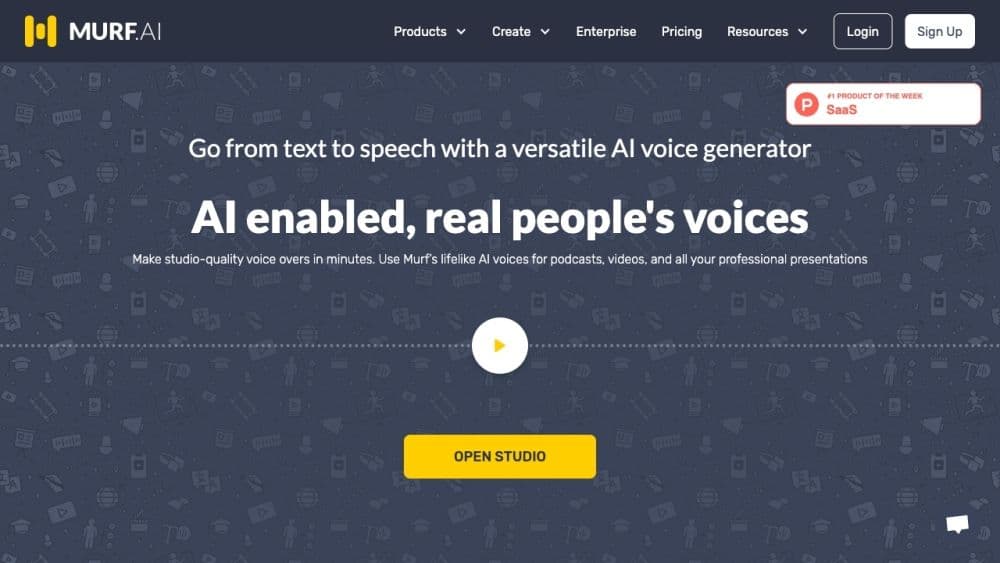
Murf AI is an advanced AI voice generator that allows users to quickly and effortlessly convert text into lifelike voiceovers. With over 120 realistic text-to-speech voices and support for 20 languages, Murf AI enables users to create high-quality voiceovers for professional applications such as podcasts, videos, advertisements, e-learning content, and more.
How to use Murf AI?
Using Murf AI is straightforward. Users can create voiceovers in minutes via the online platform Murf Studio. Follow these steps:
1. Register for a Murf AI account.
2. Open Murf Studio.
3. Select a voice avatar from the extensive AI voice library.
4. Input or paste the text to be converted into a voiceover.
5. Adjust pitch, punctuation, and emphasis to customize the voiceover.
6. Enhance the voiceover by adding video, music, or images if needed.
7. Preview and edit the voiceover as desired.
8. Download the final voiceover file.
By following these steps, users can quickly and easily create professional-quality voiceovers with Murf AI.
Core Functions of Murf AI
120+ realistic text-to-speech voices in 20 languages
Adjust pitch, punctuation, and emphasis
Add videos, music, or images to voiceovers
Produce high-quality voiceovers in minutes
Support for various professional applications
Easy-to-use online platform
Usage Scenarios of Murf AI
- E-learning content creation
- Ads and promotional videos
- Podcast
- Audiobooks
- Training videos and demonstrations
- Explainer videos
- IVR voice systems
- YouTube videos
- Video games and animations
- Corporate videos
- Spotify ads
Common Questions about Murf AI
Can I try Murf for free?
What languages does Murf support?
Can I collaborate with my team on Murf?
Why should I use an AI voice generator instead of hiring a voice artist?



















