




Product Information
What is Notescast?
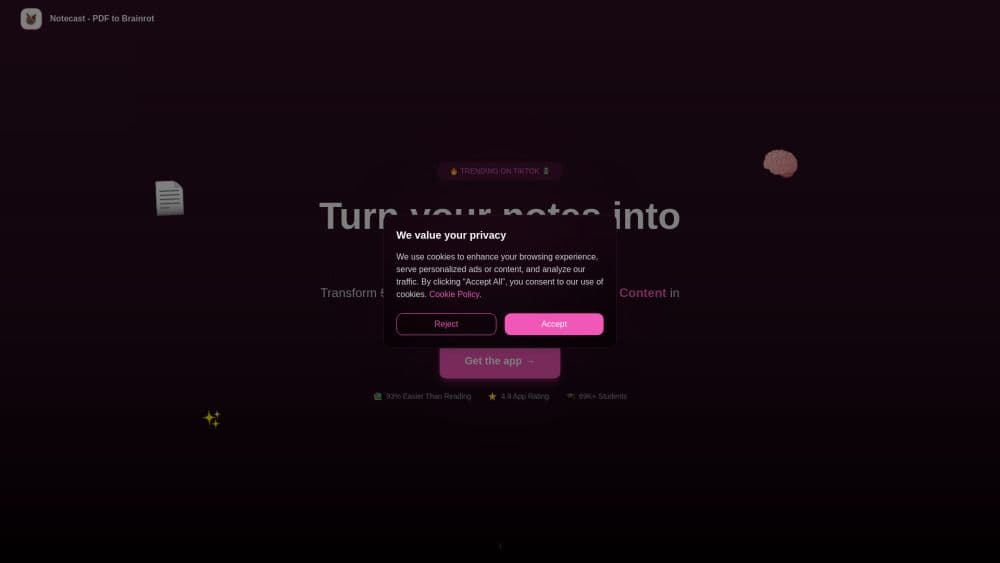
Notescast takes the viral PDF-to-Brainrot trend to the next level, effortlessly transforming tedious study notes into short, captivating videos. It's perfect for students with ADHD or anyone who struggles with traditional learning methods. The app bridges the gap between outdated study techniques and modern content consumption, simplifying dense textbooks and lecture notes into highly retainable, easily digestible videos. Just upload any study material—PDFs, slides, or handwritten notes—and let the AI extract key concepts to generate engaging videos and AI-powered study notes. Notescast isn’t just a converter; it’s a game-changer. Students report improved memory retention, better focus, and a learning process that’s genuinely enjoyable. Ideal for last-minute reviews, it condenses hours of reading into just minutes of effective study time. Plus, it fosters a social, collaborative learning experience by allowing students to share their AI-generated content. Learning finally becomes as addictive as scrolling through your favorite feed—except now, you’re actually learning.
How to use Notescast?
1. Download Notescast from the App Store or Google Play.
2. Upload your study materials—PDFs, photos, presentations, or links.
3. Let AI do its work—it will analyze your content, create short videos within seconds, and generate study notes.
4. Start learning—watch, save offline, share with classmates, and revisit anytime.
Core Functions of Notescast
Create Videos from Learning Materials
Get AI-generated Summaries
Share with Friends
Convert Any Content
Usage Scenarios of Notescast
- Exam preparation.
- Information memorization.
- ADHD
Common Questions about Notescast
What is PDF to Brainrot?
How does NotesCast enhance the PDF to Brainrot trend?
Do these videos really help me learn?
What types of study materials can I convert?
Can I share my videos with classmates?
What if I run out of credits?



















