




Product Information
What is OfficeTranslator?
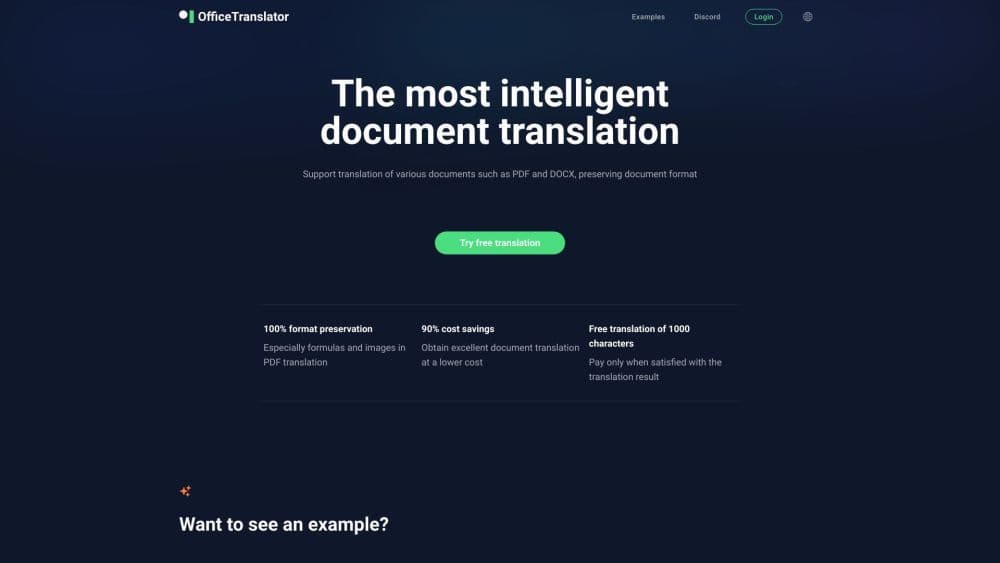
Delivers high-quality AI document translation (over 50 languages) for PDF/DOCX/PPTX/XLSX/EPUB/SRT/PO/TXT/XML/JSON/XLIFF/HTML and more, while preserving the original layout.
How to use OfficeTranslator?
1. Upload your file. 2. Select the target language for translation. 3. Start translating and download the translated document when complete.
Core Functions of OfficeTranslator
PDF / DOCX / PPTX / XLSX / ePub / SRT with ChatGPT Translator
Accurate translation while preserving document formatting.
Smarter Translation: We use large language models (LLMs) for translation, focusing more on semantic understanding and application, significantly improving translation quality.
Low Cost: Translating a 20,000-word document (Token) costs about $1 and can be completed in minutes.
Free Preview: We ensure translations maintain excellent presentation and offer a free preview; you only pay when satisfied.
API Integration: We provide simple APIs to easily integrate file translation functionality into your system.
Private Storage: We ensure your translated documents are stored securely and privately, accessible for preview anytime via phone or computer.
Organization: Invite members to join your organization and enjoy translation convenience together.
Usage Scenarios of OfficeTranslator
- Translate PDF documents used in software technology, finance, law, international trade, and other fields.
- Preserve the original format of product manuals for easy multilingual translation
Common Questions about OfficeTranslator
Will document formatting be preserved during translation?
Which file formats can be translated?
How long does it take to translate a document?
How much does it cost?




















