




Product Information
What is Online OCR?
Online OCR is an online service that provides unlimited OCR (Optical Character Recognition) services. Users simply need to upload images and PDF files to the platform to extract text.
How to use Online OCR?
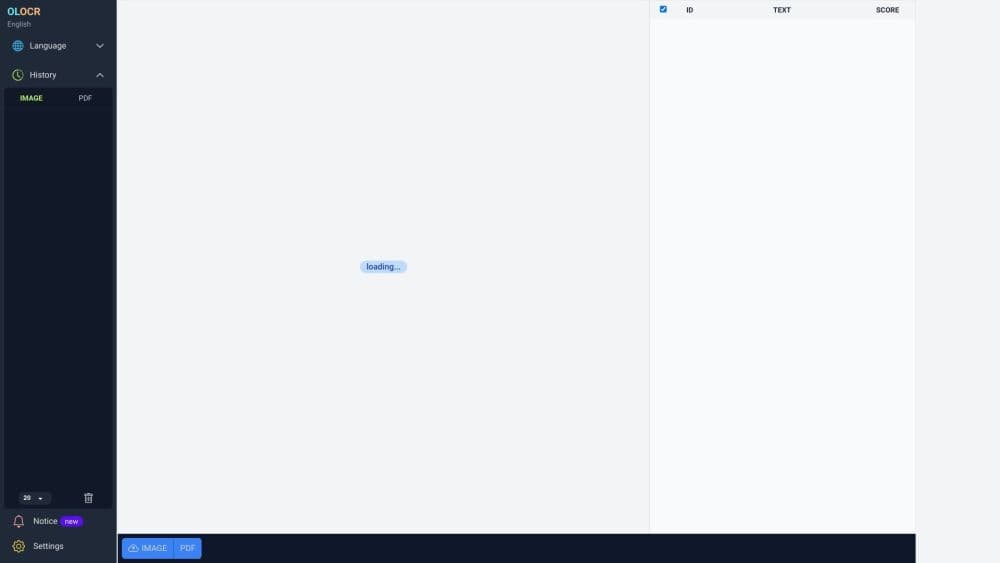
Steps to use Online OCR: 1. Visit the Online OCR website. 2. Select the desired OCR language from available options. 3. Choose the file to extract text from by uploading a file or providing a URL. 4. Specify OCR settings such as OCR speed. 5. Start the OCR process. 6. Wait for text extraction to complete. 7. View and download the extracted text as needed.
Core Functions of Online OCR
Online OCR provides the following core features:
1. Unlimited OCR: Users can perform OCR on any number of images and PDFs.
2. Online OCR: The entire OCR process can be completed online without installing any software.
3. Batch OCR: Users can process multiple files simultaneously, saving time and effort.
4. Multiple languages: Online OCR supports OCR in multiple languages.
5. OCR records: Users can view their past OCR activities.
6. OCR speed control: Users can adjust OCR speed according to their preferences.
Usage Scenarios of Online OCR
- Online OCR can be used in various scenarios, including: 1. Digitizing documents: Users can convert paper documents or scanned copies into editable text. 2. Language translation: Online OCR helps extract foreign language documents for translation. 3. Content extraction: Extract text from images or PDFs for research, data analysis, or content creation. 4. Data entry automation: Online OCR can automatically input text from images or PDFs into digital systems or databases.
Common Questions about Online OCR
How many files can I process with online OCR?
Can I process multiple files at once?
Which languages does online OCR support?
Does online OCR save my OCR history?
Can I control the speed of OCR?



















