




Product Information
What is PDF Translation Tool?
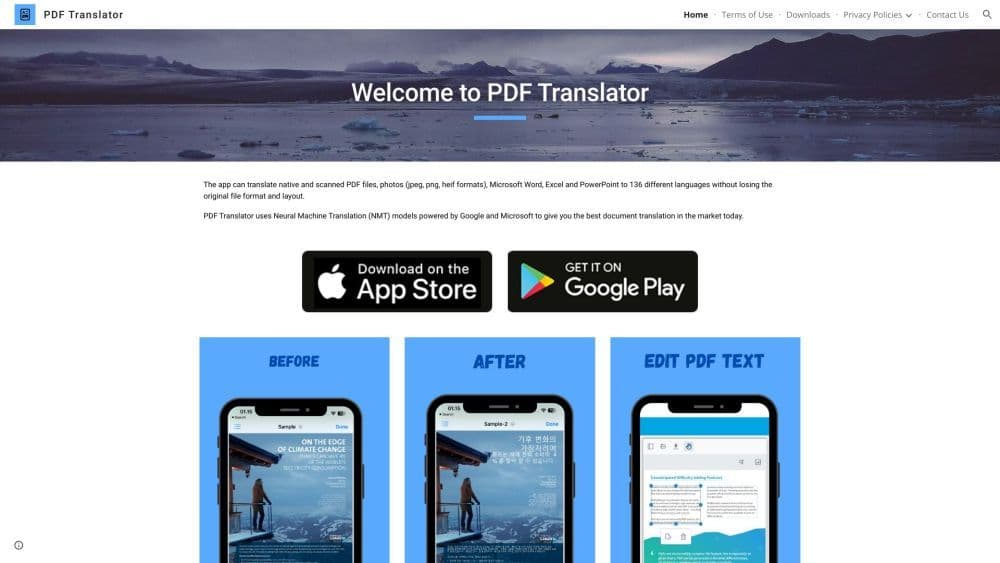
The PDF translation tool is a powerful online utility that enables users to translate their documents into over 100 languages while preserving the original formatting and layout. It streamlines the process of translating PDF files, making it quicker and more convenient for users to communicate and comprehend information across different languages.
How to use PDF Translation Tool?
Using the PDF translation tool is very simple. Just upload your PDF document to the website, select the desired source and target languages, and click the "Translate" button. The tool will automatically analyze the document, preserve the original format, and provide you with a translated PDF file that accurately captures the content in the desired language.
Core Functions of PDF Translation Tool
PDF translation tool offers the following core features:
- Translate PDF documents into 100+ languages
- Preserve formatting and layout
- Simple and easy-to-use interface
- Fast and accurate translation
- Support for large PDF files
- Secure and private document uploads
Usage Scenarios of PDF Translation Tool
- PDF translation tools can be used in various scenarios: - Businesses can translate important documents like contracts, proposals, and reports for effective communication with clients and partners from different countries. - Students can use the tool to translate research papers or academic materials for cross-cultural collaboration. - Travelers can quickly translate travel guides, brochures, or hotel bookings to enhance their experience abroad.
Common Questions about PDF Translation Tool
Can the PDF translation tool handle scanned PDF documents?
How long does it take to translate a PDF document?
Does the PDF translation tool support batch translation?
Can the translated PDF document be edited?
Is my uploaded document secure?




















