




Product Information
What is PDF.ai?
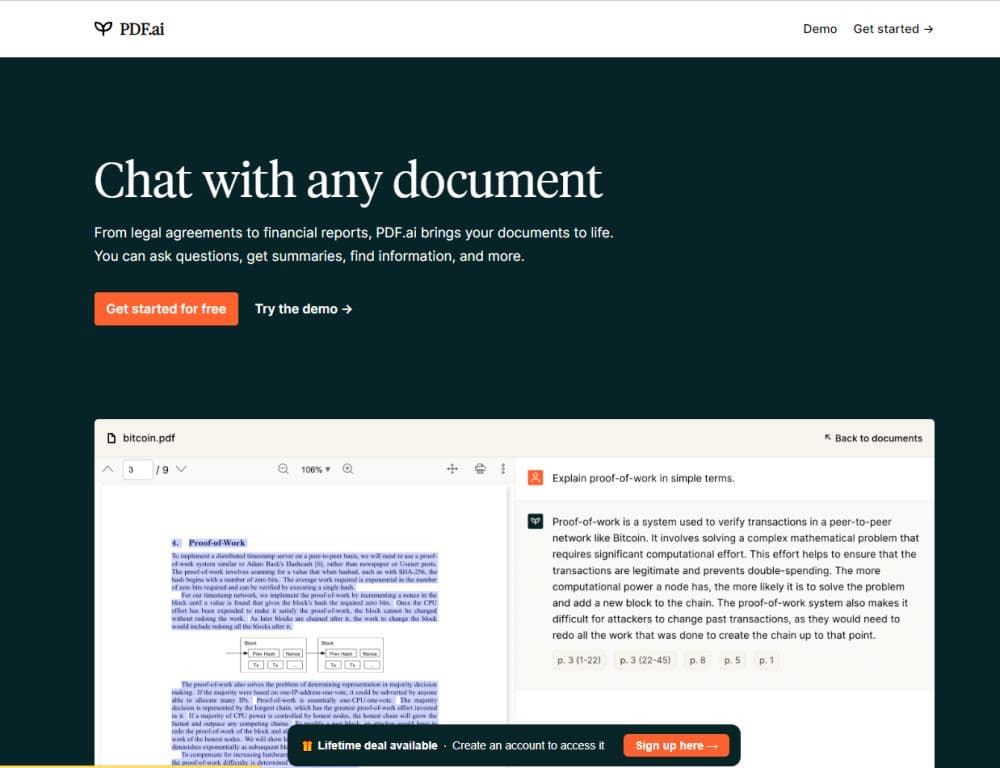
PDF.ai is the ultimate ChatPDF application that enables users to interact with any PDF document. It offers the functionality to ask questions, obtain summaries, and effortlessly find the information you need.
How to use PDF.ai?
To use PDF.ai, follow these steps: 1. Upload your PDF document. 2. Start a conversation session with the document. 3. Ask questions or enter keywords to search for specific information. 4. Get instant answers, summaries, or search results.
Core Functions of PDF.ai
Interact with PDF documents
Ask questions about PDF content
Get summaries of PDF documents
Efficiently search for needed information
Usage Scenarios of PDF.ai
- Students can use PDF.ai to quickly find answers to questions or get summaries of assigned reading materials.
- Professionals can use PDF.ai to search for specific information in large documents or ask questions to clarify doubts.
- Researchers can use PDF.ai to extract key information and summaries from academic papers or research documents.
- Readers can use PDF.ai to browse and search books or articles saved in PDF format.
Common Questions about PDF.ai
What types of PDF documents are supported?
Can I interact with multiple PDFs at the same time?
How accurate are the summaries provided by PDF.ai?
Is there a limit to the number of questions I can ask per PDF document?
Can I download the PDF document after interacting with it?



















