




Product Information
What is PPT.AI?
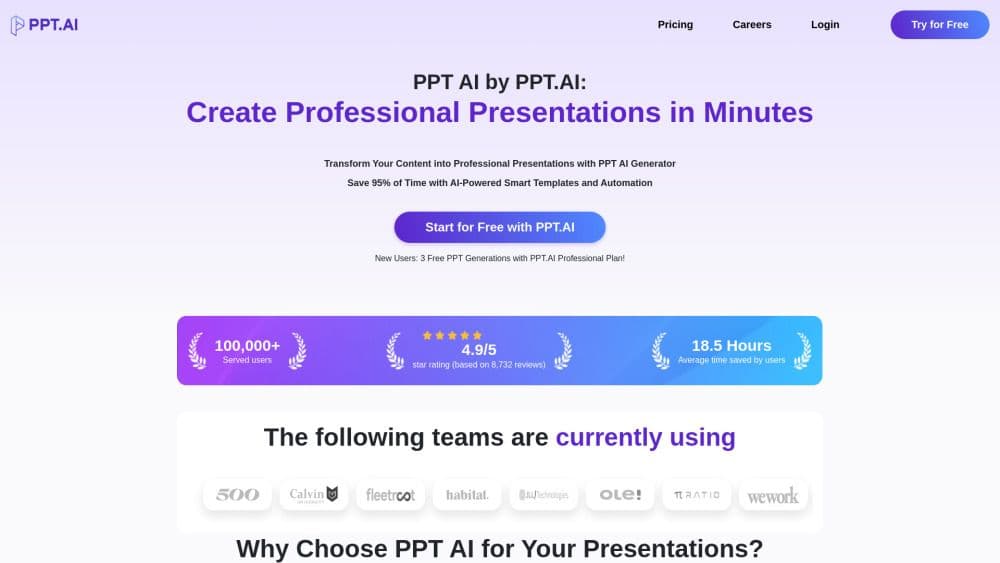
PPT.AI - Create professional presentations in minutes. Transform your content into polished presentations with the PPT AI generator. Save 95% of your time using AI-powered smart templates and automation.
🎉 PPT.AI is officially live! 🚀
Say goodbye to time-consuming presentation creation! With PPT.AI, you can craft professional slides in just minutes. ⏳
✨ New users enjoy a free trial—experience this magical tool firsthand!
Whether it's for business proposals, pitch decks, or educational slides, PPT.AI has got you covered. 🖊️🗒️
👉 Got questions? We're here to help! Drop us a message or email us at [email protected]. 📧
Check it out now: https://ppt.ai
How to use PPT.AI?
Step 1: Input your content into PPT.AI
Share your ideas with PPT AI's smart assistant. Choose from PPT.AI's template collection. Let PPT AI analyze your requirements.
Step 2: PPT AI intelligent generation
Watch PPT.AI build your presentation framework. Experience PPT AI's smart design process. PPT.AI's automatic visualization.
Step 3: Refine with PPT AI tools
Review your generated PPT.AI slides. Customize with PPT AI's smart tools. Export or present directly from the PPT.AI platform.
Core Functions of PPT.AI
PPT.AI intelligent generation
PPT.AI premium template library
PPT.AI design intelligence
Usage Scenarios of PPT.AI
- https://ppt.ai/
Common Questions about PPT.AI
What is PPT.AI, and how does it work?
How do I start using PPT.AI?
What benefits do free users of PPT.AI get?
Does PPT.AI offer a refund policy?
What file formats does PPT.AI support?
How does PPT.AI ensure presentation quality?
How is PPT.AI different from traditional presentation tools?
Is my data safe with PPT.AI?
What languages does PPT.AI support?
Can I customize PPT.AI-generated presentations?
What template categories does PPT.AI offer?
What is PPT.AI's pricing?
What support does PPT.AI provide?
Can I try PPT.AI's premium features before buying?
How long does PPT.AI take to generate a presentation?



















