
Product Information
What is Screen App?
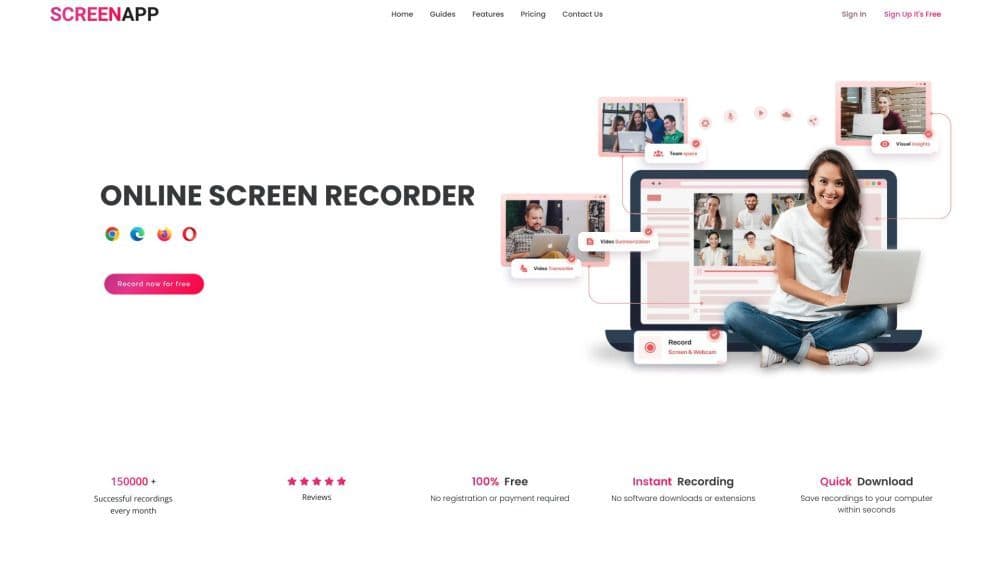
ScreenApp is a free online screen recording tool that enables users to effortlessly capture screen videos, with AI-powered transcription and compression for meetings and workflows. It's designed to streamline the process of sharing insights with teams, clients, and potential customers.
How to use Screen App?
Steps to use Screen app:
1. Click the 'Start' button on the homepage.
2. Select your preferred video and screen audio options.
3. Choose the window, tab, or screen to record.
4. Record your screen, app window, or browser tab with or without audio.
5. Save the recording to your computer or cloud for easy sharing and editing.
Core Functions of Screen App
Free online screen recording tool with camera
No installation or download required
Capture screen recordings with or without audio
Generate watermark-free recordings
Trim and share features for easy editing and sharing
AI-powered video summarizer that converts videos into searchable text
Securely store and share recordings
Use AI to transcribe videos
Add a personal touch to recordings with camera input
Usage Scenarios of Screen App
- Record and review work calls.
- Create a central repository of information for collaboration.
- Share ideas and make informed decisions based on conversation insights.
- Create rich and informative videos for presentations and tutorials.
- Improve teaching methods with high-quality screen recordings.
- Simplify communication and knowledge sharing.
- Extract key insights and market research from transcribed videos.
- Create concise summary videos from lengthy webinars and recordings.
Common Questions about Screen App
Is the screen app free?
Can I download my video?
Can I transcribe my video?
How do I record my screen and camera?
Where can I find my video after recording?
How do I share a video?
What browsers are recommended for the screen app?
Can I integrate screen recording into my website or app?
How can I get support if I encounter issues during recording?
Do I need to install anything to use the screen app?