
Product Information
What is Sendsteps?
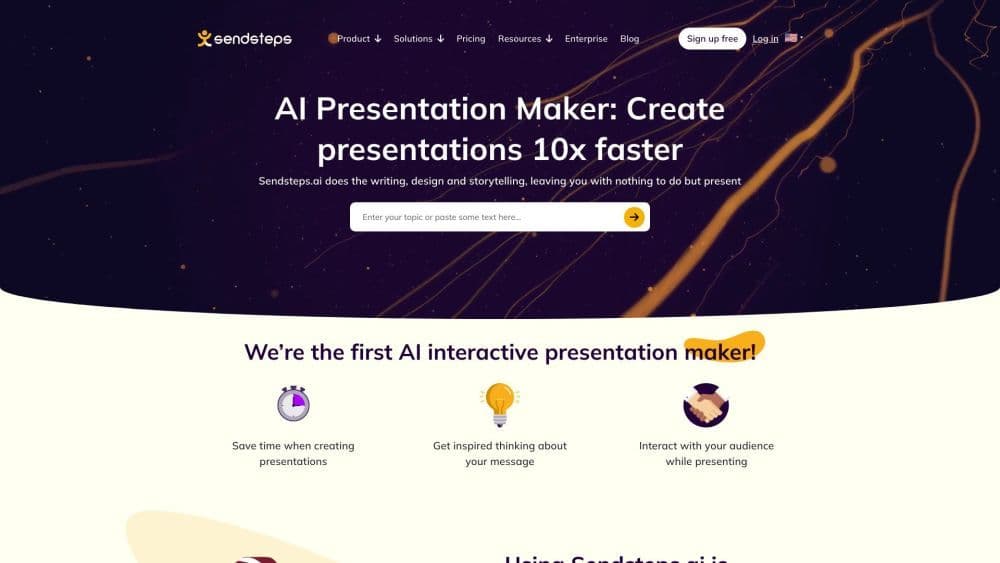
Sendsteps is the world's first AI-powered interactive presentation tool, streamlining the creation process and saving valuable time.
How to use Sendsteps?
1. Create an AI presentation using our AI presentation maker—start from scratch, upload a document, or import PowerPoint. 2. Specify presentation details like language, target audience, and title. 3. Begin presenting with prepared designs, content, images, and interactive elements. 4. Rehearse with speaker notes or present directly.
Core Functions of Sendsteps
AI presentation maker: AI-assisted presentation creation
Interactive presentations: Engage audiences with interactive activities
Live Q&A: Facilitate real-time Q&A during presentations
Live word cloud: Generate word clouds based on audience feedback
Live quizzes: Conduct live quizzes to boost audience engagement
Usage Scenarios of Sendsteps
- Business Professionals: Leveraging AI-assisted presentations saves time and fosters active engagement for better meeting outcomes.
- Students/Teachers: Save time creating presentations, enhance effective communication and student understanding, and stimulate student engagement through interactive activities.
- Event Organizers: Enhance event fun and participation with interactive activities, creating unique and memorable experiences.
Common Questions about Sendsteps
What is Sendsteps?
How to use Sendsteps?
What are the core features of Sendsteps?
What are the use cases of Sendsteps?