




Product Information
What is Teameet?
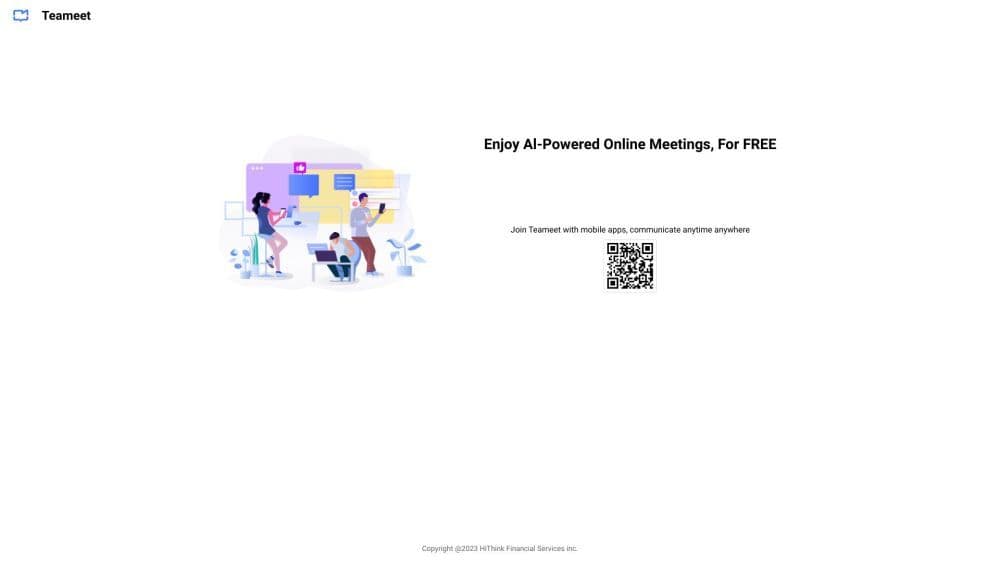
Teameet is a web/mobile app using AI for optimized video meetings, featuring screen sharing, transcription, translation, and cloud recording.
How to use Teameet?
To use Teameet, register on the website or download the mobile app. Log in to create or join meetings, enable video/audio, share screens, use transcription/translation, and collaborate seamlessly with an intuitive interface.
Core Functions of Teameet
Host and join video meetings
AI audio and video optimization
Screen Sharing
Transcription and translation
Cloud recording
Convenient collaboration tools
Usage Scenarios of Teameet
- Remote work and virtual team meetings
- Online client meetings and presentations
- Collaborative project discussions
- Cross-border and multilingual communication
- Webinars and online training
Common Questions about Teameet
Can I use Teameet on mobile devices?
Can I share my screen during a video conference?
Can I record video conferences for future reference?
Does Teameet provide transcription and translation services?
What are some use cases for Teameet?



















