




Product Information
What is Watto AI?
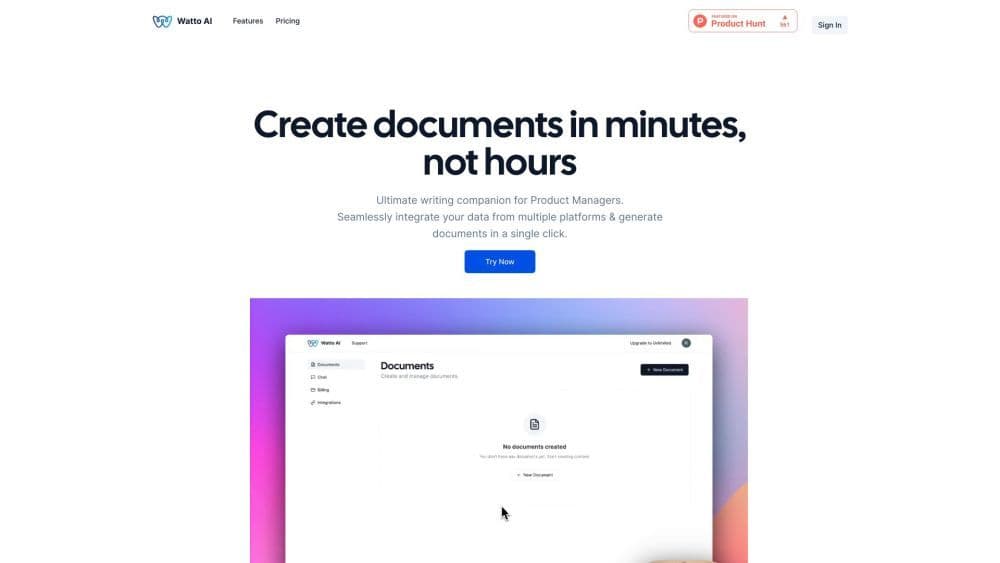
Watto AI is an AI-powered platform that seamlessly integrates information from multiple platforms and generates documents in the desired format. It is designed to save you 60% of your time by automating the document creation process.
How to use Watto AI?
To use Watto AI, follow these steps:
1. Register an account on the Watto AI website.
2. Connect platforms like Google Suite or Jira to Watto AI.
3. Choose the type of document you want to generate, such as a product requirements document (PRD) or a one-page summary.
4. Customize the document by providing relevant information or selecting from pre-designed templates.
5. Generate the document with one click.
6. Review and make necessary edits.
7. Download or share the document as needed.
Core Functions of Watto AI
Seamlessly Integrate Data from Multiple Platforms
On-Demand Generation of Desired Document Formats
AI Copilot Offers Enhanced Writing Assistance
Access to 20+ Templates for Various Document Types
Brainstorming Tools for Finding New Ideas
SWOT Analysis Tool for Product Evaluation
Get Real-Time Document Insights via Built-in Chat
Usage Scenarios of Watto AI
- Product managers can easily create high-quality requirement documents, execution reports, status updates, and more.
- Users can generate any type of document with Watto AI, such as PRDs, one-pagers, launch emails, and strategy documents.
- Anyone needing to create content in document format can use Watto AI. Contact Watto AI support for personalized assistance.
Common Questions about Watto AI
What types of documents can Watto generate?
Can Watto integrate with project management or task tracking tools?
How does Watto handle my data?




















