
Product Information
What is Powershell ise?
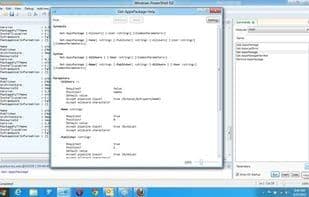
Windows PowerShell Integrated Scripting Environment (ISE) is a host application for Windows PowerShell. Within Windows PowerShell ISE, you can run commands and write, test, and debug scripts in a single Windows-based graphical user interface that features multi-line editing, tab completion, syntax coloring, selective execution, context-sensitive help, and support for right-to-left languages. You can use menu items and keyboard shortcuts to perform many of the same tasks as you would in the Windows PowerShell console. For example, when debugging a script in Windows PowerShell ISE, to set a line breakpoint in the script, right-click the line of code and then click "Toggle Breakpoint."
How to use Powershell ise?
PowerShell ISE is an integrated scripting environment for Windows PowerShell, providing a GUI that allows users to run commands, write, test, and debug scripts in a unified interface.
Core Functions of Powershell ise
Script Support
Support for scripting
Usage Scenarios of Powershell ise
- Run PowerShell Commands
- Write PowerShell Scripts
- Test PowerShell Scripts
- Debug PowerShell Scripts
- Set Line Breakpoints in Scripts
Common Questions about Powershell ise
What does Powershell ISE do?
How do I use Powershell ISE?
What are the core features of Powershell ISE?
What are the use cases for Powershell ISE?